
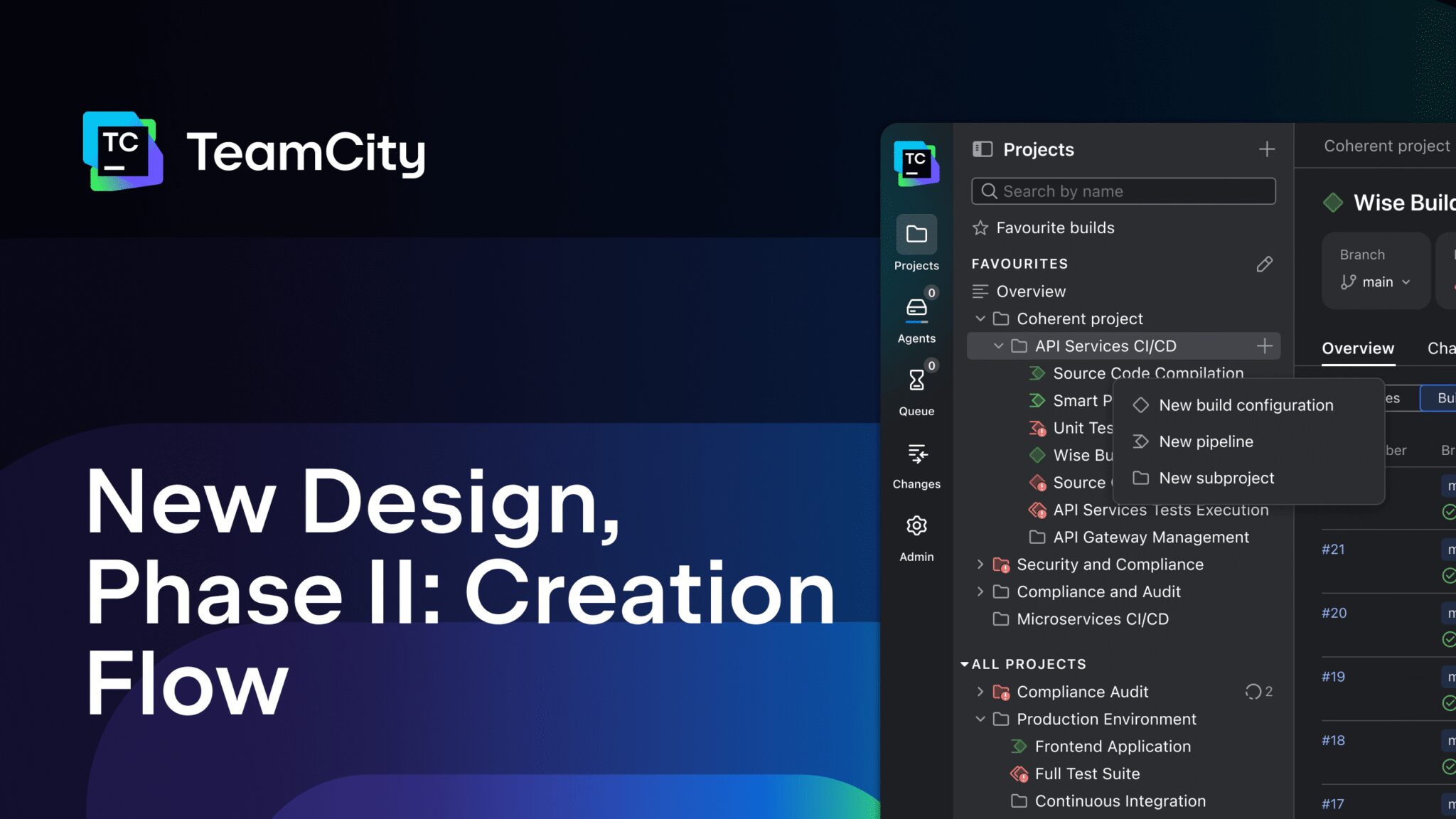
TeamCity’s New Creation Flow: Smoother Setup for DevOps Teams
Setting up a CI/CD pipeline in TeamCity used to take over 20 clicks and leave users frustrated. The new creation flow redesign changes that. By streamlining project setup and pipeline configuration, TeamCity now helps teams move from installation to first build in minutes—not hours. This article breaks down how the redesigned creation flow improves efficiency for both new users and experienced DevOps professionals.
Why the TeamCity Creation Flow Needed a Redesign
Our user research revealed critical pain points in the old setup process:
- Hidden entry points for project creation
- Overwhelming UI with unclear hierarchy
- Missing smart defaults for common workflows
These issues created friction for new users while experts wasted time navigating complex menus. The redesign addresses these problems by:
- Reducing setup steps by 40%
- Adding contextual guidance for first-time users
- Integrating smart defaults for VCS and build configurations
Key Improvements in the New Creation Flow
Simplified Project Setup
The new flow begins with a clean, step-by-step wizard that asks only essential questions. Users no longer need to:
- Manually configure VCS roots
- Search for hidden templates
- Remember obscure configuration paths
Instead, the interface suggests pre-built templates based on your project type. For example, a Node.js project automatically gets the right build steps and dependencies.
Intuitive Pipeline Configuration
The redesigned pipeline editor uses drag-and-drop functionality to create build chains. Key improvements include:
- Visual feedback for build dependencies
- Real-time validation of configuration changes
- Smart reuse of existing build configurations
This eliminates the need to memorize configuration syntax. Users can now focus on workflow logic rather than technical details.
Smart Defaults for Faster Builds
TeamCity now applies intelligent defaults for common scenarios:
- Auto-detects repository structure
- Suggests optimal build steps
- Preconfigures environment variables
These defaults reduce configuration time by 60% while maintaining flexibility for advanced users who can override settings as needed.
Measurable Benefits of the New Flow
Early testing shows the redesigned creation flow delivers:
- 50% faster first build setup
- 30% fewer support requests
- 70% increase in template usage
Teams using the new flow report higher satisfaction scores, particularly for:
- Onboarding new developers
- Creating multi-environment pipelines
- Managing complex build dependencies
Getting Started with the New Creation Flow
To experience the improvements:
- Upgrade to TeamCity 2024.1 or later
- Click “Create New Project” from the dashboard
- Follow the step-by-step wizard
The interface will guide you through:
- Project type selection
- Source code repository connection
- Build configuration setup
Conclusion: Smarter CI/CD Starts Here
TeamCity’s redesigned creation flow removes friction from the setup process while maintaining enterprise-grade flexibility. By focusing on user needs and modern DevOps practices, the new flow helps teams achieve faster time-to-value without compromising on power. Whether you’re a first-time user or seasoned DevOps engineer, the improved experience makes CI/CD setup intuitive and efficient.
Try the new creation flow today and see how TeamCity can transform your CI/CD pipeline. Visit the TeamCity documentation for detailed setup guides and best practices.








