
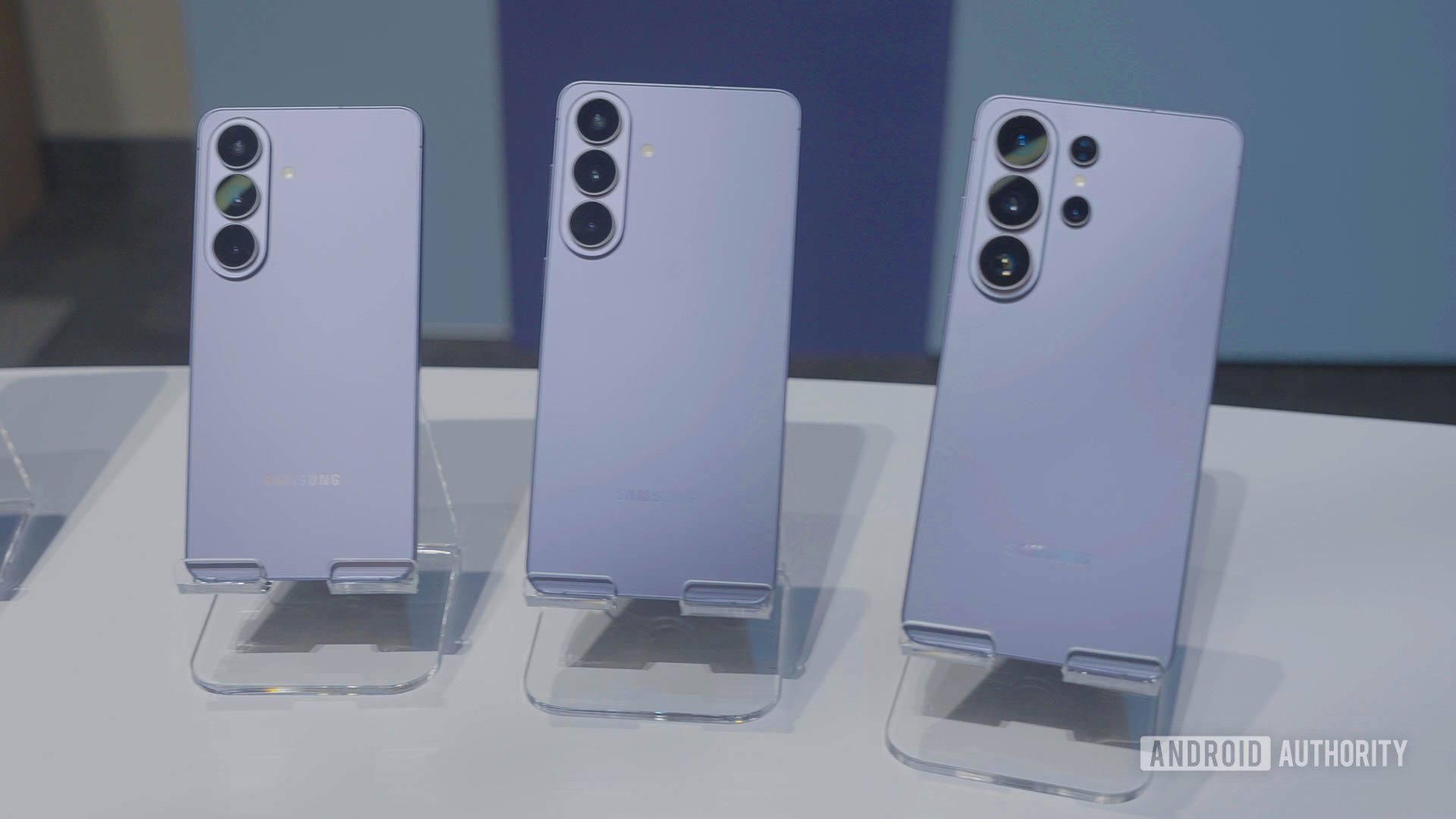
Test Galaxy S26 on iPhone with Try Galaxy App Demo
Switching phone ecosystems has always been a gamble. Until now, trying out Samsung’s Galaxy S26 required either borrowing a friend’s device or committing to a costly purchase. Samsung’s new Galaxy S26 demo app changes the game by letting you experience One UI 8.5 directly on your iPhone or Android device—no hardware investment needed.
What Is the Galaxy S26 Demo App?
The Try Galaxy app is a web-based simulator that replicates the Galaxy S26 interface, including its latest AI-powered features. While it doesn’t use your phone’s hardware, it offers a realistic preview of Samsung’s software ecosystem, from Privacy Display to Nightography enhancements.
Key Features You Can Explore
- Privacy Display: Test the angle-limited screen feature to prevent shoulder surfing.
- Photo Assist: See how AI edits photos based on plain English commands.
- Nudge Assistant: Get a demo of Samsung’s proactive smart suggestions.
- Smart Switch: Walk through transferring data from your current phone.
How to Use the Galaxy S26 Demo on iPhone
Using the Galaxy S26 demo is simple:
- Visit TryGalaxy.com on your iPhone’s browser.
- Tap the three-dot menu and add the site to your home screen.
- Launch the app to interact with the simulated Galaxy S26 interface.
What’s Missing?
While the app excels at showcasing software, it doesn’t replicate hardware performance. You won’t feel the S26’s camera quality or Snapdragon 8 Elite Gen 5 power, but the interface simulation is robust enough to gauge usability.
Why This Matters for iPhone Users
For iPhone users curious about Android, the Galaxy S26 demo removes the risk of switching. You can test features like Nightography’s low-light performance or Privacy Display’s security benefits without leaving your current device. Samsung even offers trade-in deals for those who decide to make the jump.
Conclusion: Try Before You Buy
The Galaxy S26 demo is a smart tool for anyone considering a switch. By simulating One UI 8.5’s core features, Samsung gives users a no-pressure way to evaluate its ecosystem. If the demo wins you over, check out carrier trade-in offers to upgrade with confidence.
FAQs
Can I test the Galaxy S26 demo without downloading an app?
Yes. The Try Galaxy app is web-based. Simply add it to your home screen via your browser.
Does the Galaxy S26 demo use my phone’s camera?
No. It simulates software features but doesn’t access hardware components like your camera or sensors.
Is the Galaxy S26 demo free?
Yes. Samsung offers the demo at no cost to help users explore its ecosystem.
Can I try Galaxy S26 features on an Android phone?
Absolutely. The Try Galaxy app works on both iOS and Android devices.
Will the Galaxy S26 demo show hardware specs?
No. It focuses solely on software features like One UI 8.5 and AI tools.








