
The 80% SSD Rule: A Simple yet Effective Guideline
When it comes to solid-state drives (SSDs), there’s a common rule of thumb: never fill them past 80% capacity. But why is this the case, and what happens if you disregard this guideline? In this article, we’ll explore the reasoning behind the 80% SSD rule and why it’s essential to follow it.
Understanding the 80% SSD Rule
The 80% SSD rule is based on the way SSDs manage their storage space. When an SSD is filled to capacity, it can lead to a significant decrease in performance. This is because SSDs use a process called wear leveling to distribute data evenly across the drive. However, when the drive is full, this process becomes less efficient, resulting in slower write speeds.
Additionally, filling an SSD to capacity can also reduce its lifespan. SSDs have a limited number of write cycles, and when the drive is full, it can lead to more frequent writes, which can shorten its lifespan. Therefore, it’s essential to keep your SSD below 80% capacity to ensure optimal performance and longevity.
Consequences of Disregarding the 80% SSD Rule
So, what happens if you disregard the 80% SSD rule and fill your drive to capacity? The consequences can be significant. You may experience:
- Slower write speeds
- Reduced SSD lifespan
- Increased risk of data corruption
- Decreased overall system performance
Meanwhile, following the 80% SSD rule can help you avoid these issues and ensure your SSD continues to perform optimally. For example, if you have a 1TB SSD, try to keep it below 800GB of used space.
Practical Tips for Following the 80% SSD Rule
So, how can you follow the 80% SSD rule in practice? Here are some tips:
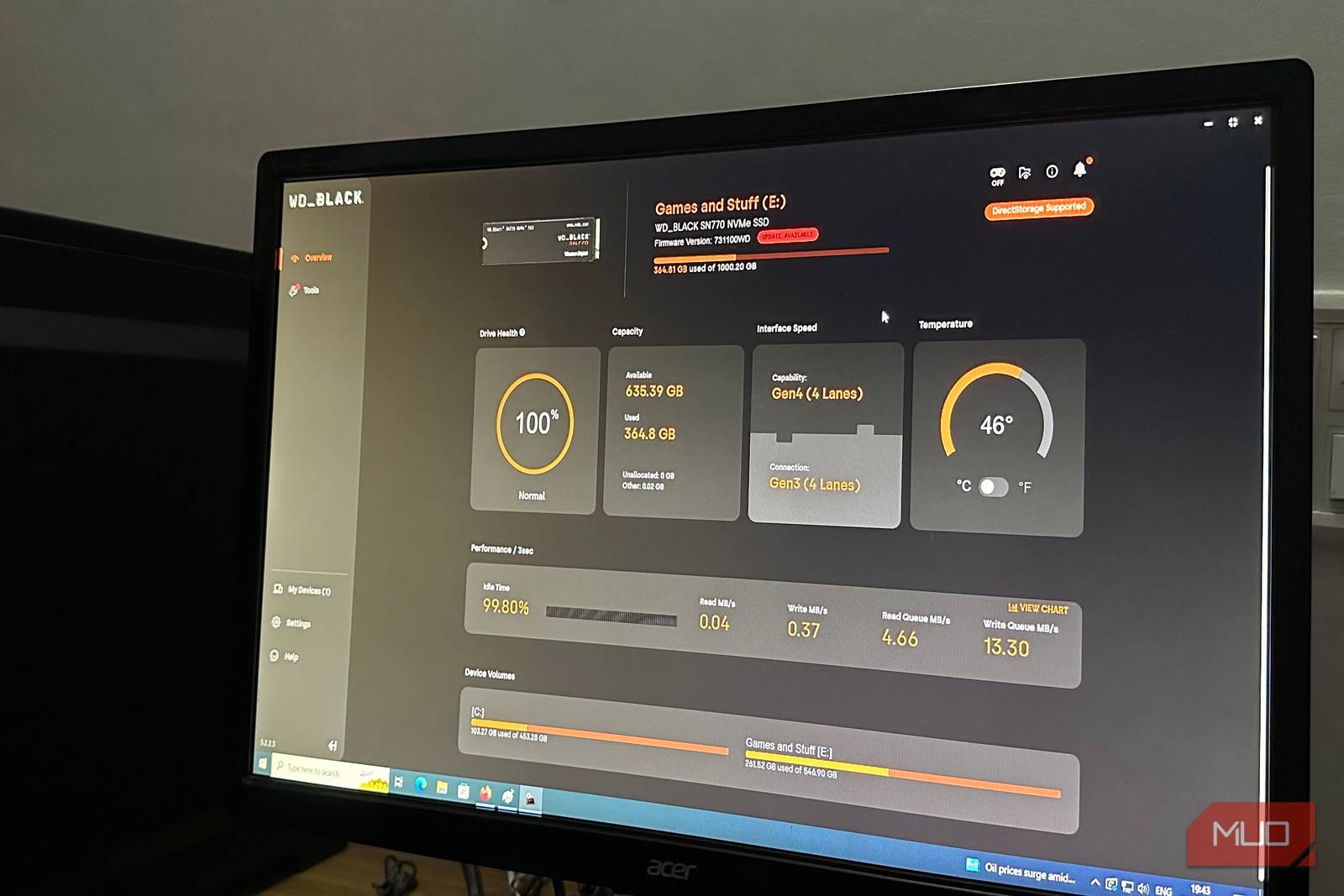
- Monitor your SSD’s capacity regularly
- Remove unnecessary files and programs
- Consider upgrading to a larger SSD if needed
- Use cloud storage for less frequently used files
Additionally, you can use disk cleanup tools to remove temporary files and system logs that can take up space on your SSD. Finally, consider setting up a regular backup routine to ensure your important files are safe in case something goes wrong.
Conclusion and Call to Action
In conclusion, the 80% SSD rule is a simple yet effective guideline for ensuring your SSD performs optimally and lasts longer. By following this rule, you can avoid common issues like slow write speeds and reduced SSD lifespan. Therefore, make sure to keep your SSD below 80% capacity and take advantage of the tips outlined above to get the most out of your drive.
Take action today and start monitoring your SSD’s capacity. Your drive will thank you, and you’ll enjoy faster performance and increased reliability. Remember, a healthy SSD is a happy SSD!








