
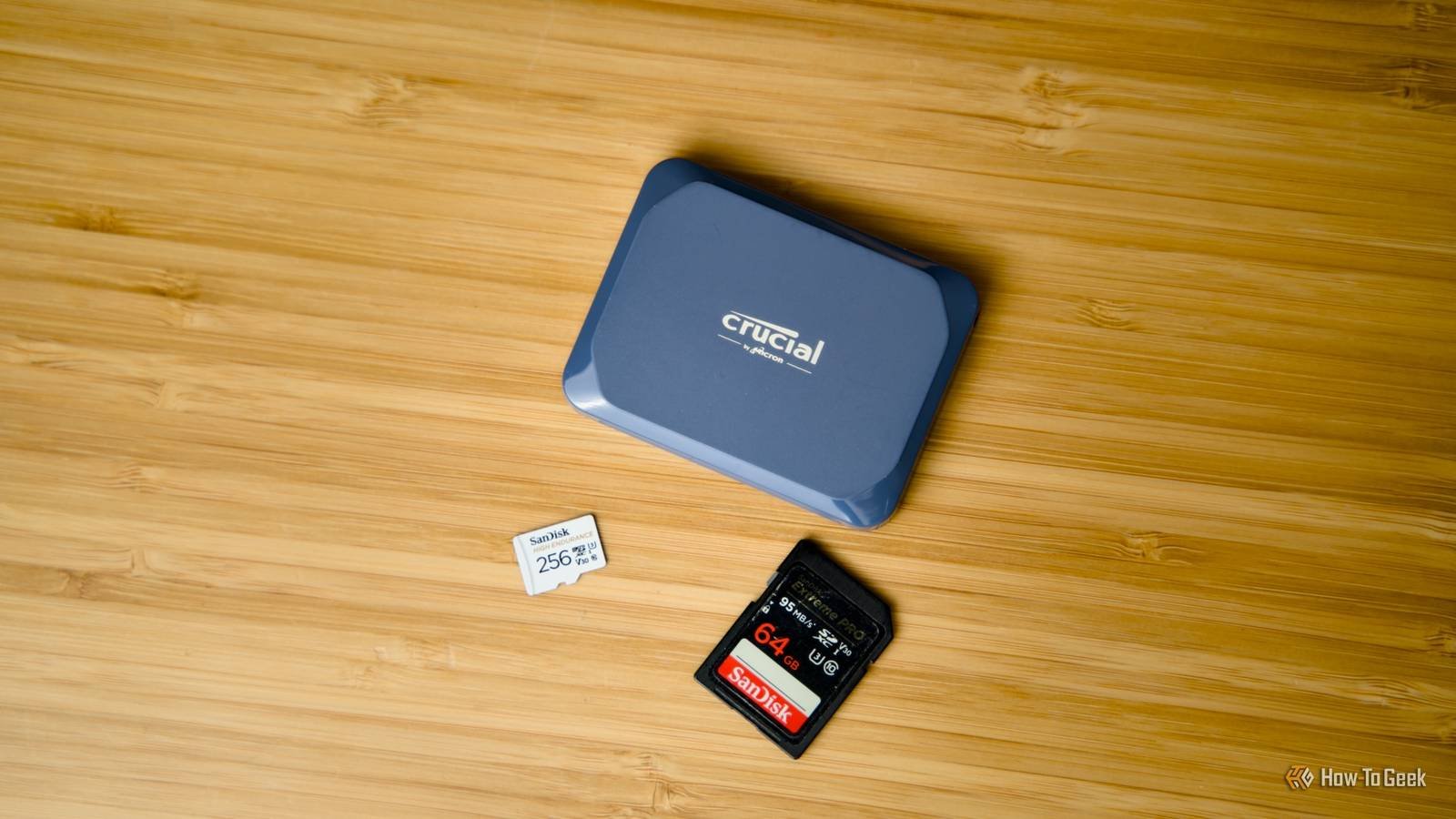
Introduction to SD Cards and Data Recovery
SD cards are widely used for storing data in various devices, from cameras to smartphones. However, when it comes to data recovery, SD cards can be a nightmare. In this article, we’ll explore why SD cards aren’t tiny SSDs and how stripped-down flash controllers make data recovery a challenging task.
Understanding SD Cards and Flash Controllers
SD cards use flash memory to store data, which is different from the traditional hard disk drives. Meanwhile, flash controllers play a crucial role in managing data storage and retrieval. For example, a good flash controller can improve the overall performance of an SD card. Additionally, understanding how flash controllers work is essential for developing effective data recovery strategies.
How Flash Controllers Work
Flash controllers are responsible for managing the storage and retrieval of data on SD cards. They use a complex algorithm to optimize data storage and minimize wear and tear on the flash memory. However, this complexity can make data recovery a daunting task. Furthermore, the lack of standardization in flash controllers makes it difficult to develop universal data recovery solutions.
Data Recovery Challenges with SD Cards
Data recovery from SD cards can be a nightmare due to the stripped-down flash controllers. These controllers are designed to prioritize performance and efficiency over data recovery. Therefore, when data is lost or corrupted, it can be extremely difficult to recover. Meanwhile, the use of proprietary algorithms and lack of documentation make it challenging for data recovery specialists to develop effective solutions.
Consequences of Stripped-Down Flash Controllers
The use of stripped-down flash controllers in SD cards has significant consequences for data recovery. For instance, the lack of error correction and redundancy in these controllers makes it difficult to recover data in case of corruption or loss. Additionally, the proprietary nature of these controllers limits the development of third-party data recovery tools.
Best Practices for SD Card Data Recovery
To minimize the risk of data loss and improve recovery chances, it’s essential to follow best practices when using SD cards. For example, regularly backing up data and using high-quality SD cards can reduce the risk of data corruption. Meanwhile, avoiding physical damage to the SD card and using reputable data recovery software can improve recovery chances.
Conclusion and Recommendations
In conclusion, SD cards aren’t tiny SSDs, and their stripped-down flash controllers make data recovery a nightmare. To mitigate this risk, it’s essential to follow best practices and use high-quality SD cards. Additionally, investing in reputable data recovery software and seeking professional help when needed can improve recovery chances. Finally, manufacturers should prioritize data recovery and develop more robust flash controllers to minimize the risk of data loss.
FAQs:
- What is the main difference between SD cards and SSDs?
- How do flash controllers affect data recovery on SD cards?
- What are the best practices for SD card data recovery?
- Can data recovery software improve recovery chances?
- Why is it essential to use high-quality SD cards?








