
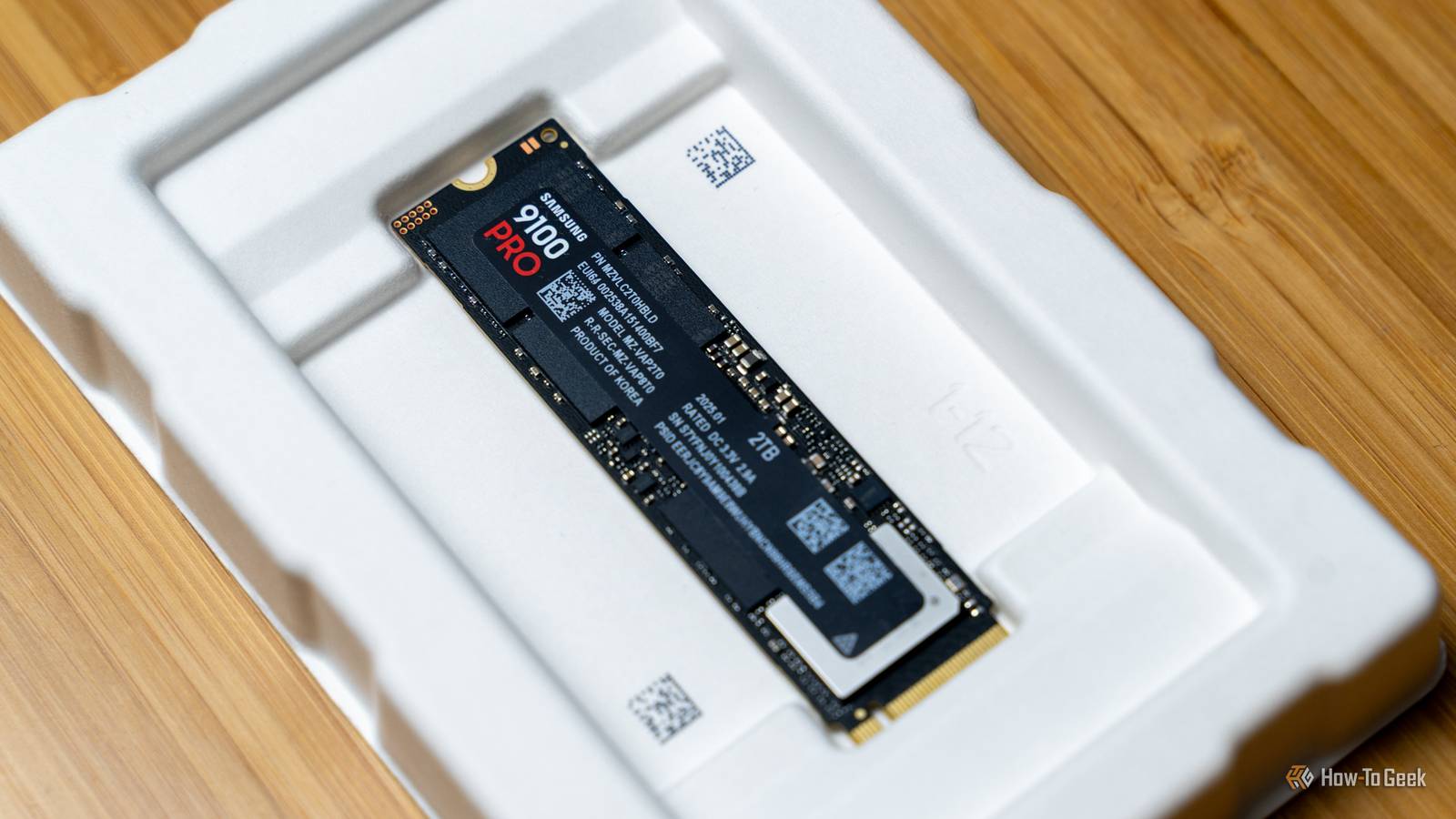
The Hidden Dangers of Unsafe Shutdowns: Protecting Your SSD
Have you ever found yourself in a situation where you had to shut down your computer quickly, without properly closing all your applications? This can be a common occurrence, especially when you’re in a hurry or experiencing a power outage. However, unsafe shutdowns can have serious consequences for your solid-state drive (SSD), leading to corrupted mapping tables and potentially causing data loss.
Understanding the Risks of Unsafe Shutdowns
When you shut down your computer improperly, your SSD’s mapping tables can become corrupted. This can happen because the SSD’s firmware doesn’t have time to properly update the tables, leading to data inconsistencies. Meanwhile, if you’re using a traditional hard disk drive (HDD), the risks are lower, but still present. For example, a sudden power loss can cause the HDD’s heads to crash, leading to physical damage.
Additionally, unsafe shutdowns can also cause problems with your computer’s file system. When the system is shut down abruptly, files may be left in an inconsistent state, leading to errors and potential data loss. Therefore, it’s essential to take the time to properly shut down your computer, even if it’s just a few seconds longer.
Protecting Your SSD from Corrupted Mapping Tables
To avoid corrupted mapping tables and protect your SSD, it’s crucial to follow proper shutdown procedures. Here are some tips to help you:
- Always shut down your computer properly, using the shutdown or power off option.
- Avoid pressing the power button to shut down your computer, as this can cause unsafe shutdowns.
- Use a surge protector or uninterruptible power supply (UPS) to protect your computer from power outages.
- Regularly back up your data to an external drive or cloud storage service, in case of data loss.
Meanwhile, if you’ve already experienced an unsafe shutdown, don’t panic. You can try running a disk check or file system repair tool to identify and fix any issues. However, if the problem persists, it’s best to seek professional help to avoid further data loss.
Conclusion
In conclusion, unsafe shutdowns can have serious consequences for your SSD, leading to corrupted mapping tables and potentially causing data loss. By following proper shutdown procedures and taking steps to protect your SSD, you can minimize the risks and ensure your data remains safe. Finally, remember to always prioritize your computer’s health and take the time to properly shut it down, even if it’s just a few seconds longer.
Frequently Asked Questions
- What is an unsafe shutdown, and how can it affect my SSD?
- How can I protect my SSD from corrupted mapping tables?
- What are the risks of unsafe shutdowns on my computer’s file system?
- Can I recover data from an SSD that has experienced an unsafe shutdown?
- How often should I back up my data to prevent data loss due to unsafe shutdowns?








