
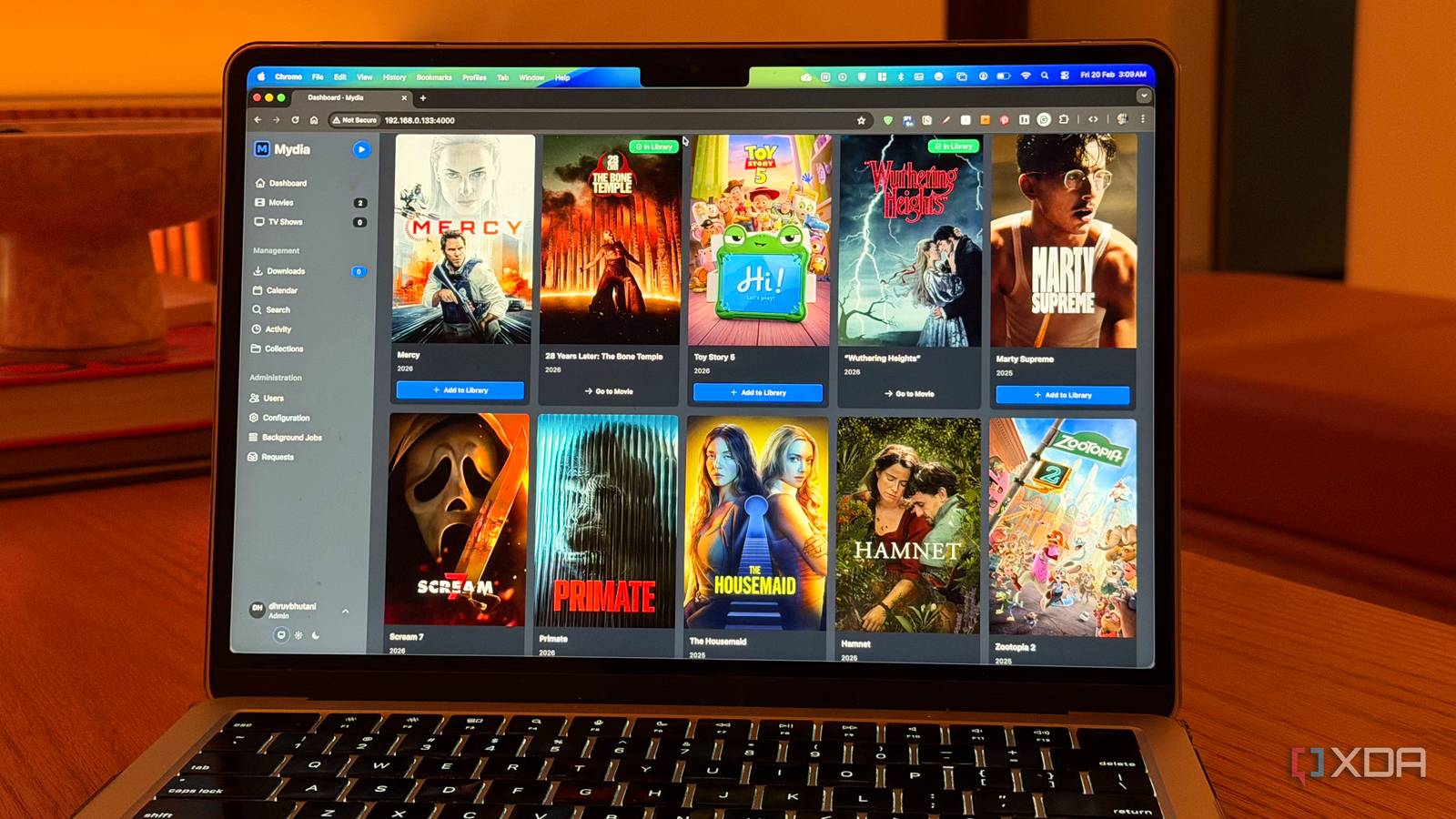
The Ultimate Self-Hosted Media Platform for Home Labs
Every home lab enthusiast knows the struggle: you’ve built a powerful setup, but something feels missing. For years, I tinkered with cloud-based solutions until I discovered the game-changer—self-hosted media platforms. These tools offer unmatched control, privacy, and customization, making them essential for serious hobbyists and professionals alike.
Why Your Home Lab Needs a Self-Hosted Media Platform
Cloud services like Netflix or YouTube are convenient, but they fall short when you need full control over your media. A self-hosted platform lets you:
- Organize personal media libraries (movies, music, photos) without ads.
- Stream content to multiple devices seamlessly.
- Protect sensitive data from third-party access.
Key Benefits of Self-Hosting
Self-hosted platforms like Plex, Emby, or Jellyfin empower users to:
- Customize metadata: Tag files with descriptions, ratings, and genres.
- Access anywhere: Stream from your phone, smart TV, or computer.
- Scale effortlessly: Add more storage or users as needed.
How to Choose the Right Platform
Not all self-hosted solutions are created equal. Here’s how to pick the best fit:
1. Assess Your Needs
Ask yourself:
- Do you prioritize media type (e.g., movies, music)?
- How many users will access the platform?
- What devices will you stream to?
2. Compare Features
| Platform | Storage | Streaming Quality | Customization |
|---|---|---|---|
| Plex | Unlimited | 4K HDR | High |
| Emby | Unlimited | 4K | Medium |
| Jellyfin | Unlimited | 1080p | High |
Getting Started: A Quick Setup Guide
Setting up a self-hosted media platform is easier than you think. Follow these steps:
- Install the software: Download your chosen platform (e.g., Plex) and run the installer.
- Organize your media: Create folders for movies, TV shows, and music.
- Configure settings: Adjust streaming quality, enable remote access, and set up user accounts.
Why I Prefer Self-Hosting Over Cloud Services
Cloud platforms charge recurring fees and limit control. With self-hosting, you:
- Own your data and avoid subscription costs.
- Stream without ads or watermarks.
- Customize the interface to match your preferences.
Conclusion: Take Control of Your Media
A self-hosted media platform isn’t just a tool—it’s a lifestyle upgrade. Whether you’re a home lab enthusiast or a casual user, the benefits of control, privacy, and flexibility are undeniable. Ready to transform your setup? Start with Plex, Emby, or Jellyfin today.
FAQs
1. What is a self-hosted media platform?
A self-hosted media platform is software you install locally to manage and stream your personal media collection.
2. How much does it cost to set up?
Most platforms are free, but you’ll need hardware (like a NAS) and storage space.
3. Can I access my media remotely?
Yes—most platforms support remote access via the internet.
4. Is self-hosting secure?
Self-hosting keeps your data private, but ensure you use strong passwords and enable encryption.
5. Which platform is best for beginners?
Plex offers the most user-friendly interface for newcomers.








