
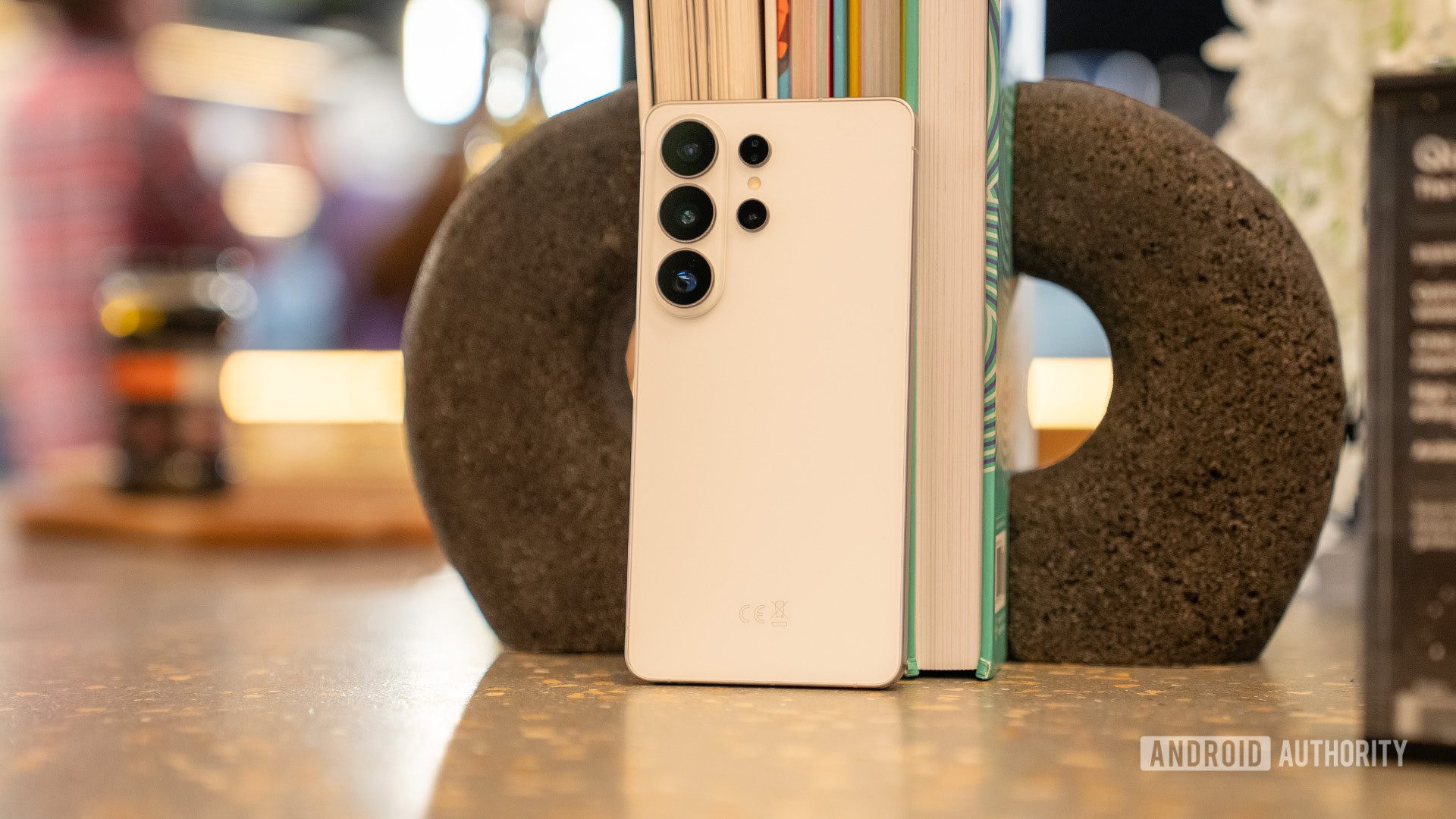
Top 5 Galaxy S26 Ultra Apps for Productivity & Creativity
The Galaxy S26 Ultra’s 6.9-inch display and S Pen open doors to a world of productivity and creativity. While apps like Spotify and ChatGPT are obvious choices, these five apps truly harness the phone’s unique features. Here’s how they elevate your experience.
1. DocuSign: Sign Documents Effortlessly
Need to sign contracts or invoices on the go? DocuSign turns the S Pen into a digital signature tool. Its intuitive interface lets you annotate, sign, and send documents with precision. The free version covers basic needs, but a $10/month subscription unlocks advanced features.
Why It Works
- Seamless S Pen integration for precise signing
- Cloud storage for quick document access
- Perfect for remote work and freelancers
2. Concepts: Infinite Creativity on a Massive Canvas
Concepts transforms the Ultra’s screen into an endless digital canvas. Whether sketching ideas or creating mind maps, the app supports 30+ tools, from pencils to brushes. The S Pen’s pressure sensitivity ensures every stroke feels natural.
Pro Tips
- Use layers for complex projects
- Export to PDF or image formats
- Subscribe ($4.99/month) for professional tools
3. Colorfy: Digital Coloring for Relaxation
Colorfy offers a meditative escape with its vast library of designs. The S Pen’s precision makes filling intricate patterns a breeze. While free designs are available, a subscription ($9.99/month) unlocks thousands of templates.
Key Features
- Stress-free coloring with mandalas and animals
- Customizable color palettes
- Share finished art directly from the app
4. Readwise Reader: Your All-in-One Reading Hub
The Ultra’s screen is ideal for reading, and Readwise Reader maximizes it. It aggregates articles, PDFs, and newsletters into a clean, ad-free interface. The Ghostreader AI even summarizes complex texts when you highlight them.
Must-Know
- 30-day free trial for new users
- Highlight and search text with the S Pen
- Sync across devices for seamless access
5. MyScript Notes: Handwriting Meets Typing
MyScript Notes bridges the gap between handwritten notes and digital text. Its AI converts cursive, math formulas, and sketches into editable text. The infinite canvas supports mixed media, making it perfect for students and professionals.
Standout Tools
- Handwriting-to-text conversion
- Math equation solver
- $1.99/month subscription for full features
Conclusion: Elevate Your Galaxy S26 Ultra Experience
These apps turn the Galaxy S26 Ultra into a powerhouse for work and play. Whether you’re signing documents, creating art, or studying, the S Pen and large display amplify every task. Ready to boost your productivity? Try these apps today and share your favorites in the comments!
Frequently Asked Questions
What are the best Galaxy S26 Ultra apps for creative work?
Concepts and Colorfy are top picks for digital art and relaxation, while MyScript Notes excels for hybrid note-taking.
Does DocuSign work well with the S Pen?
Yes, the S Pen’s precision makes signing and annotating documents in DocuSign intuitive and efficient.
Can I use the Galaxy S26 Ultra for reading without a subscription?
Readwise Reader offers a 30-day free trial, but a $9.99/month subscription unlocks unlimited access to its library.
Is MyScript Notes worth the subscription?
For frequent note-takers, the $1.99/month plan unlocks advanced features like math equation solving and cloud storage.
How do these apps leverage the Galaxy S26 Ultra’s screen?
The large display enhances readability in Readwise Reader, provides ample space for Concepts’ infinite canvas, and makes S Pen interactions smoother across all apps.








