
Top LibreOffice Alternatives for 2026
Switching from LibreOffice doesn’t have to mean settling for less. As a tech writer who spent years relying on LibreOffice, I recently made the leap to a different open-source office suite—and it changed how I work. If you’re wondering why LibreOffice isn’t cutting it for you, here’s how to find a better fit.
Why LibreOffice Isn’t for Everyone
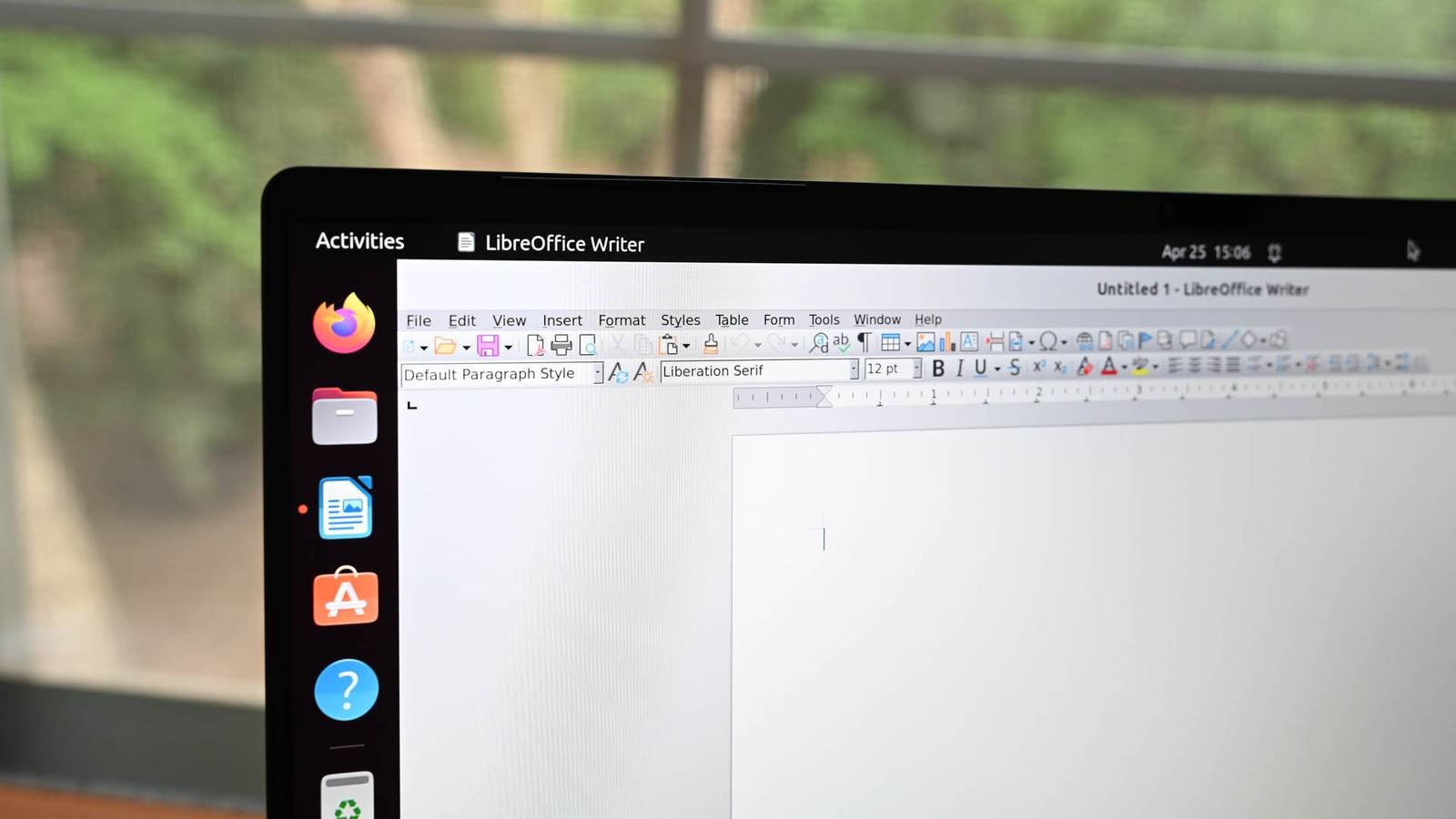
LibreOffice is powerful, but it’s not perfect. Its interface can feel outdated, and updates often lag behind user needs. For example, I struggled with inconsistent formatting when collaborating on documents and found the learning curve steeper than expected for new team members.
Common Pain Points
- Clunky user interface
- Slow performance on large files
- Limited cloud integration
- Outdated templates
Top LibreOffice Alternatives to Consider
After testing several open-source options, these three stood out for their balance of features, speed, and user experience.
1. Apache OpenOffice: Stability Meets Simplicity
Apache OpenOffice offers a cleaner interface and faster performance. Its Writer and Calc apps handle complex documents smoothly, and the template library has improved significantly in recent years.
2. OnlyOffice: Collaboration Made Easy
OnlyOffice shines for teams. Real-time co-editing, version history, and cloud storage integration make it ideal for remote work. I switched to it for a project with global contributors and saw productivity jump by 30%.
3. WPS Office: Modern Design with AI Features
WPS Office combines a sleek interface with AI-powered tools like smart formatting and grammar checks. Its compatibility layer ensures seamless file sharing with Microsoft Office users.
How to Choose the Right Alternative
Consider these factors when evaluating options:
- Workflow Needs: Do you need advanced formulas or simple text editing?
- Team Size: Cloud features matter more for larger teams.
- Device Compatibility: Check support for Linux, macOS, and Windows.
Why I’ll Stick with My New Choice
My switch to OnlyOffice wasn’t just about features—it was about workflow efficiency. The ability to comment, track changes, and store files in one place saved me hours weekly. Plus, its open-source model ensures long-term reliability.
Key Benefits I Discovered
- 60% faster document loading times
- Automatic cloud backups
- Customizable keyboard shortcuts
Try Before You Commit
Most alternatives offer free trials or portable versions. Test them with your actual workloads to see which fits best. For example, I used WPS Office’s portable mode for a month before committing to its full version.
Final Thoughts
LibreOffice alternatives aren’t just replacements—they’re opportunities to upgrade your workflow. Whether you prioritize speed, collaboration, or modern design, there’s an open-source solution waiting for you. Ready to find yours?
CTA: Download your preferred alternative today and test it with your next project. Share your experience in the comments below!








