
Typhoon Qt Port: A Smoother Weather App Experience
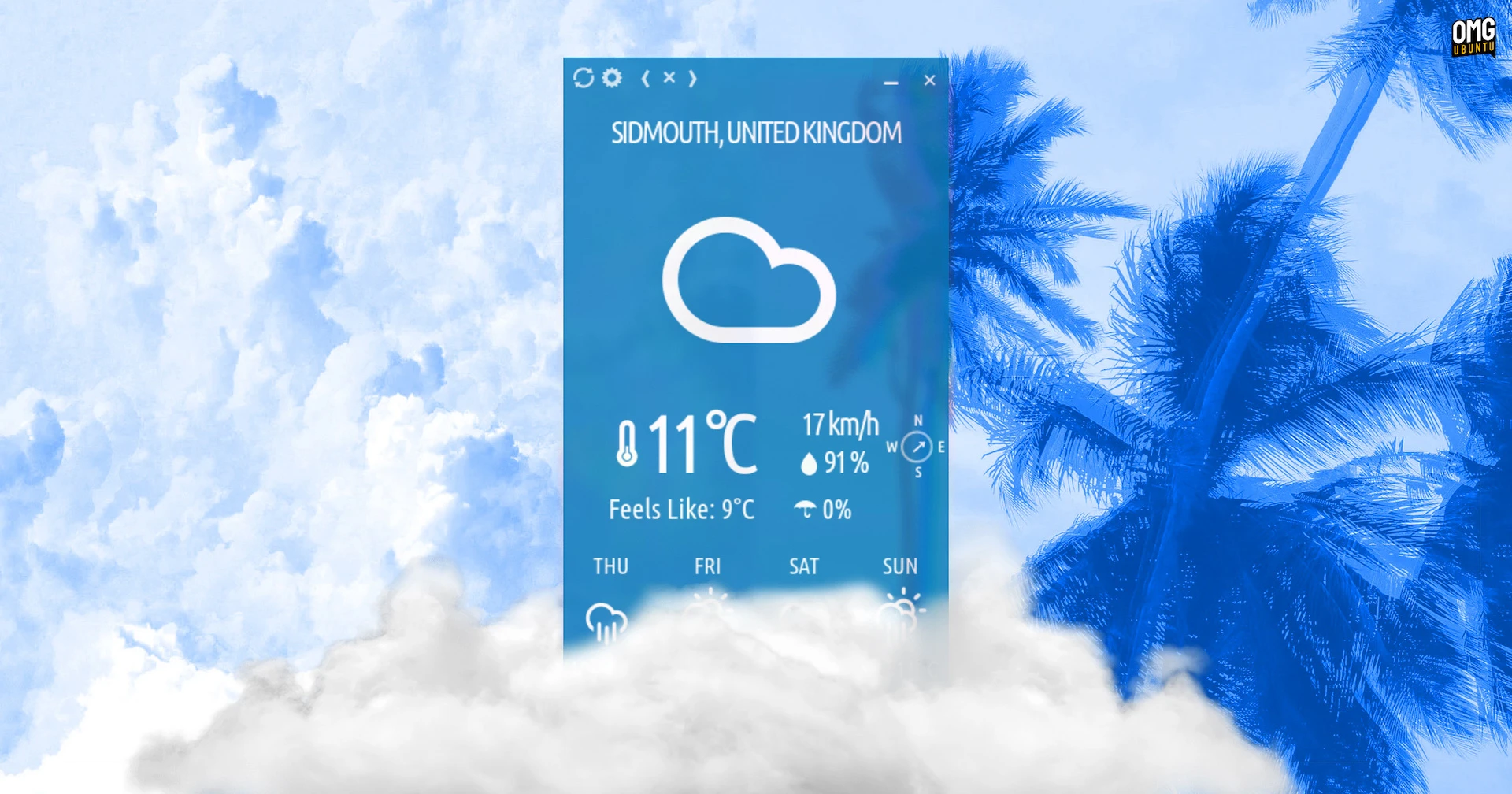
Open-source weather app Typhoon has taken a major leap forward with its latest update, swapping its aging GTK3 backend for a modern Qt6 framework. This shift doesn’t alter Typhoon’s signature look—its borderless, colorful window with stark white text remains unchanged—but it brings significant performance improvements and cross-platform flexibility.
UI Stays the Same, Backend Gets a Boost
Developed by Archisman Panigrahi, Typhoon’s Qt port addresses critical limitations in GTK3, which is now deprecated. While GTK4 could have been an option, it clashed with Typhoon’s unique design that relies on borderless, draggable windows. Qt6 solves this by offering better compatibility with the app’s unconventional UI.
Key Improvements from the Qt Port
- Resizing Flexibility: Resize windows from any side instead of relying on a corner arrow.
- Sharper Fonts: Qt WebView enhances text clarity, especially on high-DPI displays.
- Touchscreen Support: Improved responsiveness for touch-enabled devices.
Cross-Platform Compatibility
The Qt6 framework also unlocks native Windows support—a first for Typhoon. Previously limited to Linux, the app now runs seamlessly on Windows 11, retaining features like dynamic color schemes and weather alerts. This aligns with Qt’s reputation for robust cross-platform performance.
Customization Options
Users can now set custom background colors or use system-specific blur effects:
- KDE Plasma: Enable blur via KVantum or kwin-force-blur.
- GNOME: Use the Blur My Shell extension for transparent windows.
Installation and Compatibility
For Linux users, the Qt port is backward-compatible with Qt5, ensuring support for older distributions like Ubuntu 20.04 LTS. Installation options include:
- Official PPA (Ubuntu 22.04+)
- GitHub DEB packages (Ubuntu 20.04)
- Flatpak/Snap builds
Why This Matters
By embracing Qt6, Typhoon future-proofs its backend while preserving its Metro-inspired aesthetic. The app’s reliance on Open-Meteo and OpenStreetMap APIs ensures accurate weather data without requiring login credentials. For developers, this update demonstrates how modern frameworks can revitalize legacy apps without sacrificing user experience.
Try the Qt Port Today
Whether you’re a Linux power user or a Windows enthusiast, Typhoon’s Qt port offers a sleek, functional weather solution. Upgrade via your distro’s package manager or download directly from GitHub to experience the difference.
Frequently Asked Questions
1. How does the Typhoon Qt port affect its performance?
The Qt6 backend improves responsiveness and adds features like smooth resizing and better font rendering, while maintaining the app’s signature UI.
2. Can I use Typhoon on Windows?
Yes! The Qt port enables native Windows support, including dynamic color themes and weather alerts.
3. Does the UI change with the Qt port?
No—Typhoon’s borderless, glyph-based design remains unchanged, preserving its Metro-inspired look.
4. Is the Qt port compatible with older Linux distros?
Yes, it’s backward-compatible with Qt5, ensuring support for systems like Ubuntu 20.04 LTS.
5. How do I enable background blur on KDE?
Use KVantum or kwin-force-blur extensions to apply blur effects to transparent windows.








