
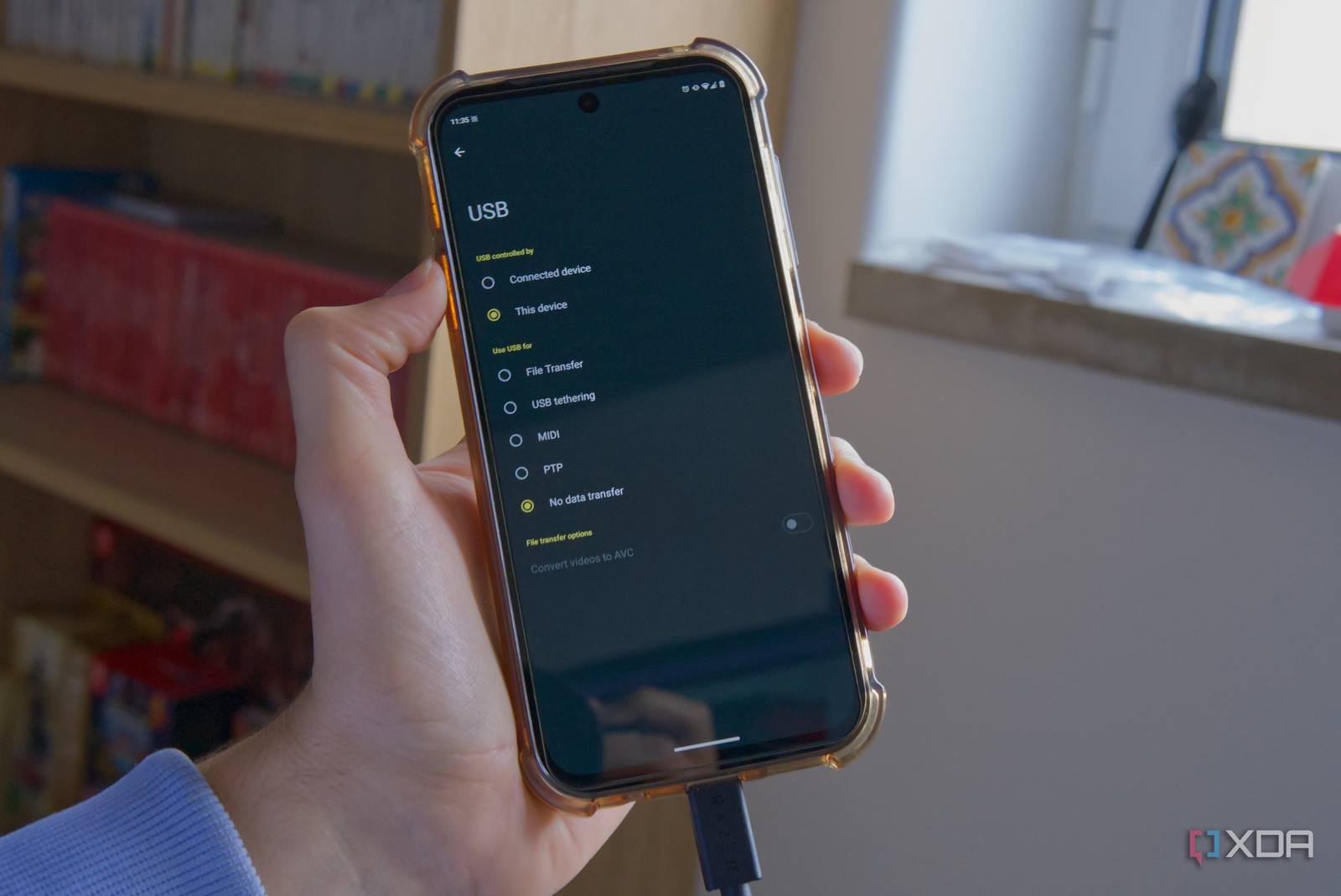
Introduction to USB-C
Your phone’s USB-C port is more than just a charging point. It’s a gateway to a world of possibilities, from data transfer to video output. In this article, we’ll explore the various uses of USB-C and how you can maximize its potential.
What is USB-C?
USB-C, also known as USB Type-C, is a reversible connector that can be used for both data transfer and power delivery. It’s smaller than traditional USB ports and can be used to connect a wide range of devices, from smartphones to laptops.
For example, you can use a USB-C cable to connect your phone to a computer or a USB-C hub, allowing you to transfer files, charge your device, and even use your phone as a USB drive. Meanwhile, the USB-C port on your laptop can be used to connect an external display or a USB-C dock, expanding your workspace and increasing productivity.
Advantages of USB-C
So, what makes USB-C so special? Here are a few advantages of using USB-C:
- Faster data transfer speeds: USB-C supports speeds of up to 10 Gbps, making it ideal for transferring large files.
- Reversible design: The reversible design of USB-C makes it easy to connect devices, eliminating the frustration of trying to insert a cable the correct way.
- Power delivery: USB-C can deliver up to 100W of power, making it possible to charge larger devices like laptops.
Using USB-C for Data Transfer
One of the most common uses of USB-C is for data transfer. You can use a USB-C cable to connect your phone to a computer, allowing you to transfer files, photos, and videos. Additionally, you can use a USB-C hub to connect multiple devices to your phone or laptop, making it easy to transfer data between devices.
However, it’s essential to note that not all USB-C cables are created equal. Some cables may not support the same speeds or power delivery as others, so it’s crucial to choose a high-quality cable that meets your needs. Therefore, when selecting a USB-C cable, look for one that supports the latest USB standards and has a high rating from other users.
USB-C Hubs and Docks
USB-C hubs and docks are a great way to expand the capabilities of your device. These devices allow you to connect multiple USB-C cables to a single port, making it easy to connect a keyboard, mouse, and external display to your laptop. Meanwhile, some USB-C docks also include additional ports, such as HDMI or Ethernet, making it easy to connect to a network or display.
For instance, you can use a USB-C dock to connect your laptop to a monitor, keyboard, and mouse, creating a desktop-like experience. Alternatively, you can use a USB-C hub to connect your phone to a keyboard and mouse, allowing you to use your phone like a computer.
Conclusion
In conclusion, USB-C is more than just a charging port. It’s a versatile connector that can be used for data transfer, video output, and power delivery. By understanding the advantages of USB-C and using the right cables and accessories, you can unlock the full potential of your device and take your productivity to the next level.
Finally, if you have any questions about USB-C or how to use it, check out our FAQs below:
- What is USB-C, and how does it work?
- Can I use a USB-C cable to charge my laptop?
- How do I choose the right USB-C cable for my device?
- What are the advantages of using a USB-C hub or dock?
- Can I use USB-C to connect my phone to a monitor or TV?








