
Introduction to PowerShell
As a tech enthusiast, I stumbled upon a powerful PowerShell command that revealed the hidden secrets of Windows. This command, however, is just the tip of the iceberg. In this article, we’ll delve into the world of PowerShell and explore its capabilities. Meanwhile, we’ll also discuss the benefits of using PowerShell and provide examples of its practical applications.
What is PowerShell?
PowerShell is a task-based command-line shell and scripting language built on .NET. It’s designed to help IT professionals and power users automate and manage system administration tasks. For example, you can use PowerShell to manage files, configure system settings, and even automate complex tasks. Additionally, PowerShell provides a wide range of cmdlets and scripts that make it easy to perform various tasks.
Getting Started with PowerShell
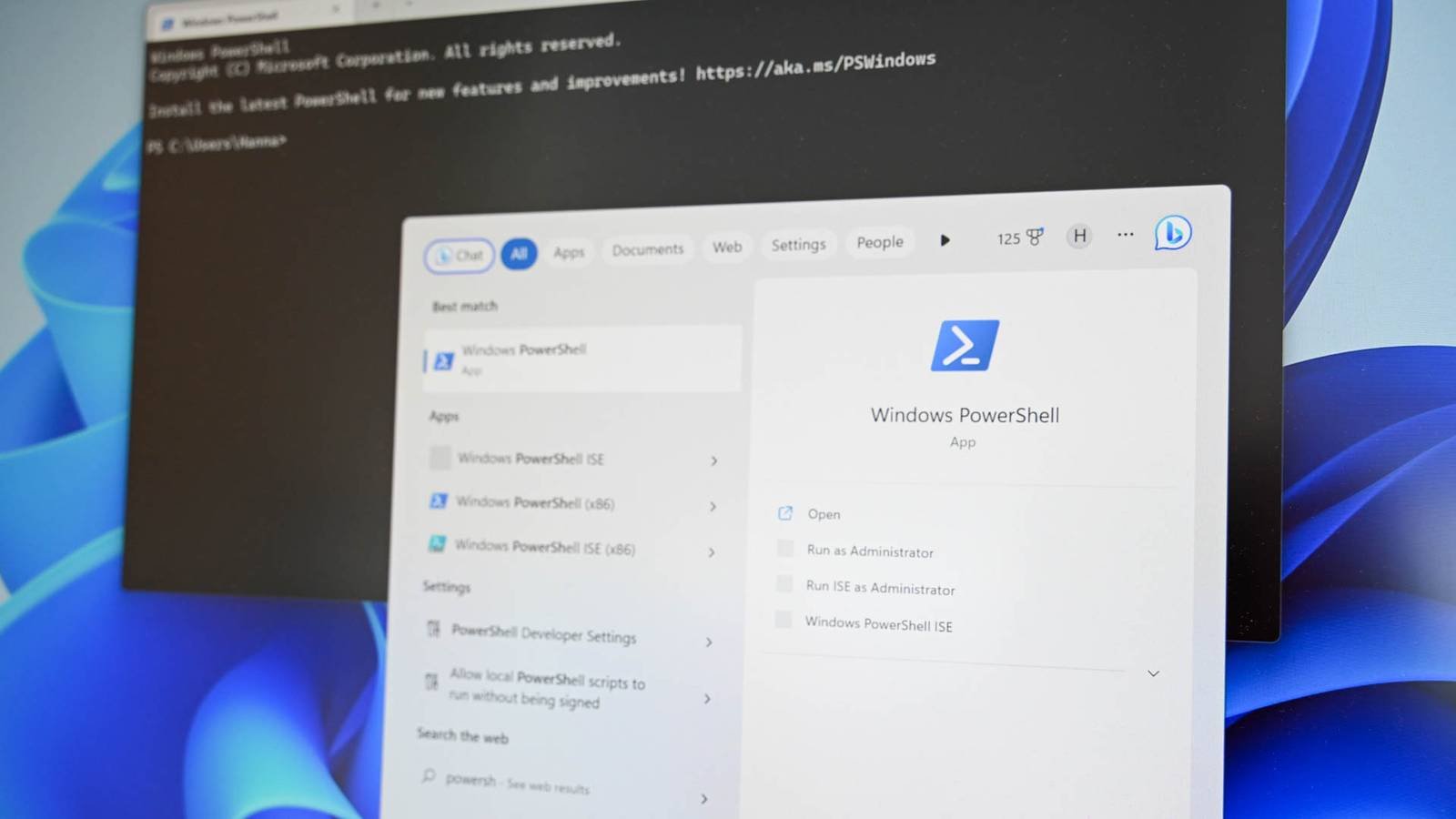
To get started with PowerShell, you’ll need to open the PowerShell console. You can do this by searching for PowerShell in the Start menu. Once you’ve opened the console, you can start running commands and exploring the various features of PowerShell. However, it’s essential to note that PowerShell has a unique syntax and requires some practice to master.
Some essential PowerShell commands include:
- Get-Command: Lists all available cmdlets
- Get-Help: Provides detailed information about a specific cmdlet
- Set-Location: Changes the current directory
Practical Applications of PowerShell
PowerShell has a wide range of practical applications, from managing system settings to automating complex tasks. For instance, you can use PowerShell to:
- Manage user accounts and permissions
- Configure network settings and firewall rules
- Automate backups and data recovery
Additionally, PowerShell provides a powerful scripting language that allows you to create custom scripts and automate complex tasks. However, creating scripts requires some programming knowledge and practice.
Real-World Examples of PowerShell
PowerShell is widely used in various industries, including IT, finance, and healthcare. For example, a system administrator can use PowerShell to manage a large network of computers, while a developer can use it to automate testing and deployment tasks. Meanwhile, a security expert can use PowerShell to analyze system logs and detect potential security threats.
Some notable examples of PowerShell in action include:
- Microsoft uses PowerShell to manage its Azure cloud platform
- Google uses PowerShell to manage its Google Cloud Platform
- Various government agencies use PowerShell to manage their IT infrastructure
Conclusion
In conclusion, PowerShell is a powerful tool that can help you unlock the secrets of Windows and automate various system administration tasks. With its unique syntax and wide range of cmdlets and scripts, PowerShell provides a flexible and efficient way to manage and automate tasks. Therefore, if you’re interested in learning more about PowerShell, I recommend checking out the official Microsoft documentation and practicing with various commands and scripts. Finally, don’t hesitate to reach out to the PowerShell community for help and support.








