
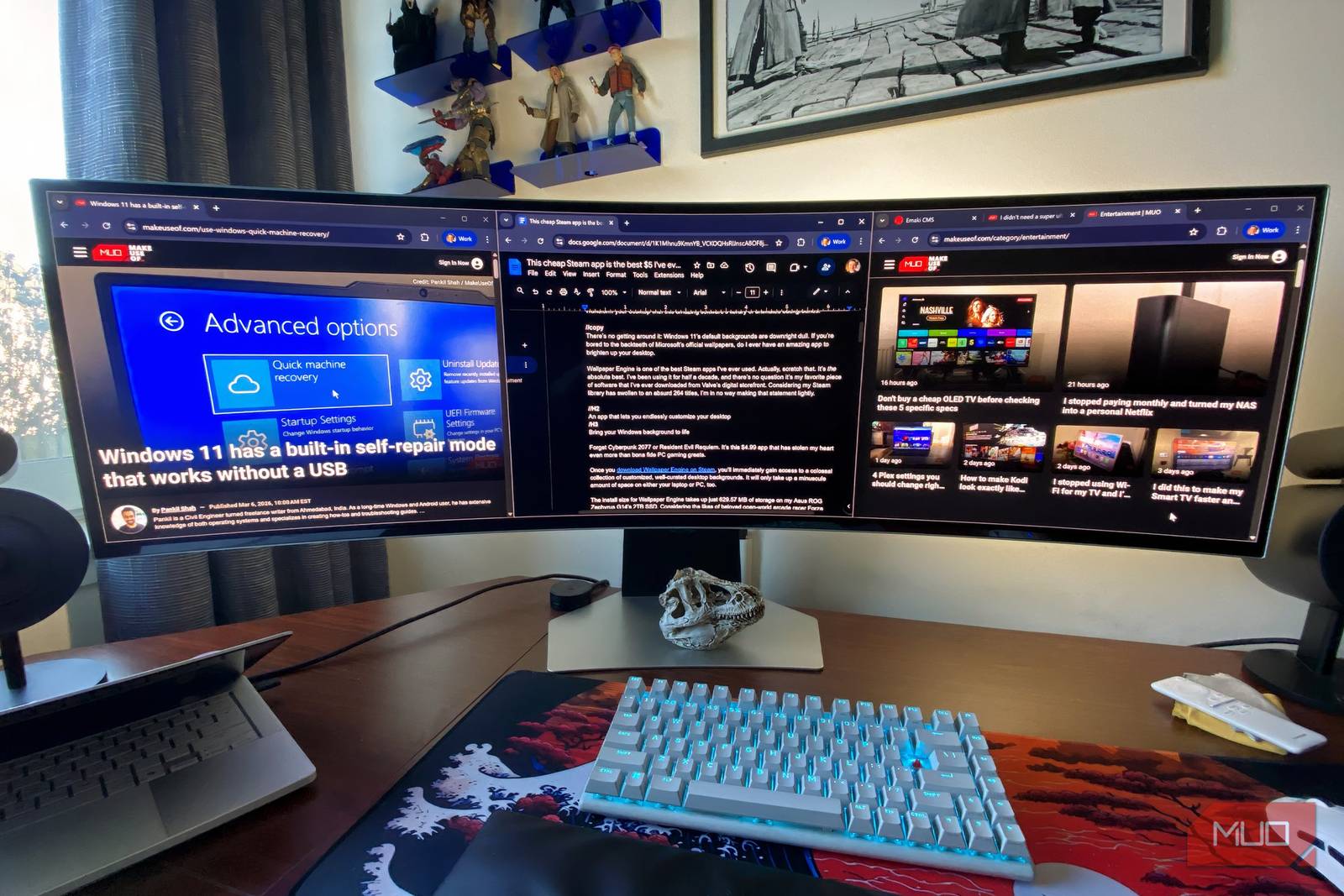
Introduction: The Game-Changing Power of an External Monitor
I thought my laptop screen was enough until I tried working with an external monitor. Suddenly, everything changed. More space, sharper visuals, and a smoother workflow—this simple upgrade transformed how I create, collaborate, and stay productive. If you’ve ever wondered whether an external monitor is worth the investment, here’s why it might just be the best tech decision you make this year.
External Monitor Benefits: Boost Productivity and Comfort
1. More Screen Real Estate = Less Multitasking Headaches
Splitting your workflow between browser tabs, documents, and apps on a small laptop screen is a recipe for chaos. An external monitor gives you room to:
- Keep your email open alongside your project files
- Watch tutorials while coding or designing
- Use dual monitors for side-by-side comparisons
Studies show productivity gains of up to 30% with dual monitor setups. Your brain thanks you for the clarity.
2. Eye Comfort and Ergonomic Wins
Laptop screens force you into awkward angles, straining your neck and eyes. An external monitor lets you:
- Adjust height and tilt for perfect posture
- Reduce blue light exposure with custom settings
- Switch to a larger, higher-resolution display
For example, a 27-inch 4K monitor at arm’s length feels like a luxury compared to squinting at a 13-inch laptop screen.
3. Flexibility for Every Workflow
Whether you’re a creative pro, remote worker, or casual user, an external monitor adapts:
- Gaming: Play on your laptop while streaming on the external display
- Design: Use the laptop as a mobile sketchpad and the monitor for detailed work
- Office Work: Keep your calendar visible on one screen while writing on the other
This flexibility turns your setup into a powerhouse for any task.
Choosing the Right External Monitor for You
Key Factors to Consider
Not all monitors are created equal. Prioritize these features based on your needs:
- Resolution: 1080p for basic tasks, 4K for photo/video work
- Panel Type: IPS for color accuracy, TN for fast response times
- Connectivity: USB-C for charging, HDMI for simplicity
For most users, a 24–27-inch monitor with 1440p resolution strikes the perfect balance between cost and performance.
Conclusion: Upgrade Your Workflow Today
Switching to an external monitor isn’t just about bigger screens—it’s about smarter work. From reduced eye strain to boosted productivity, the benefits are undeniable. Ready to transform your setup? Invest in a monitor that fits your lifestyle and watch your efficiency soar.
Call to Action: Explore our guide to best external monitors for 2026 and find your perfect match today.








