
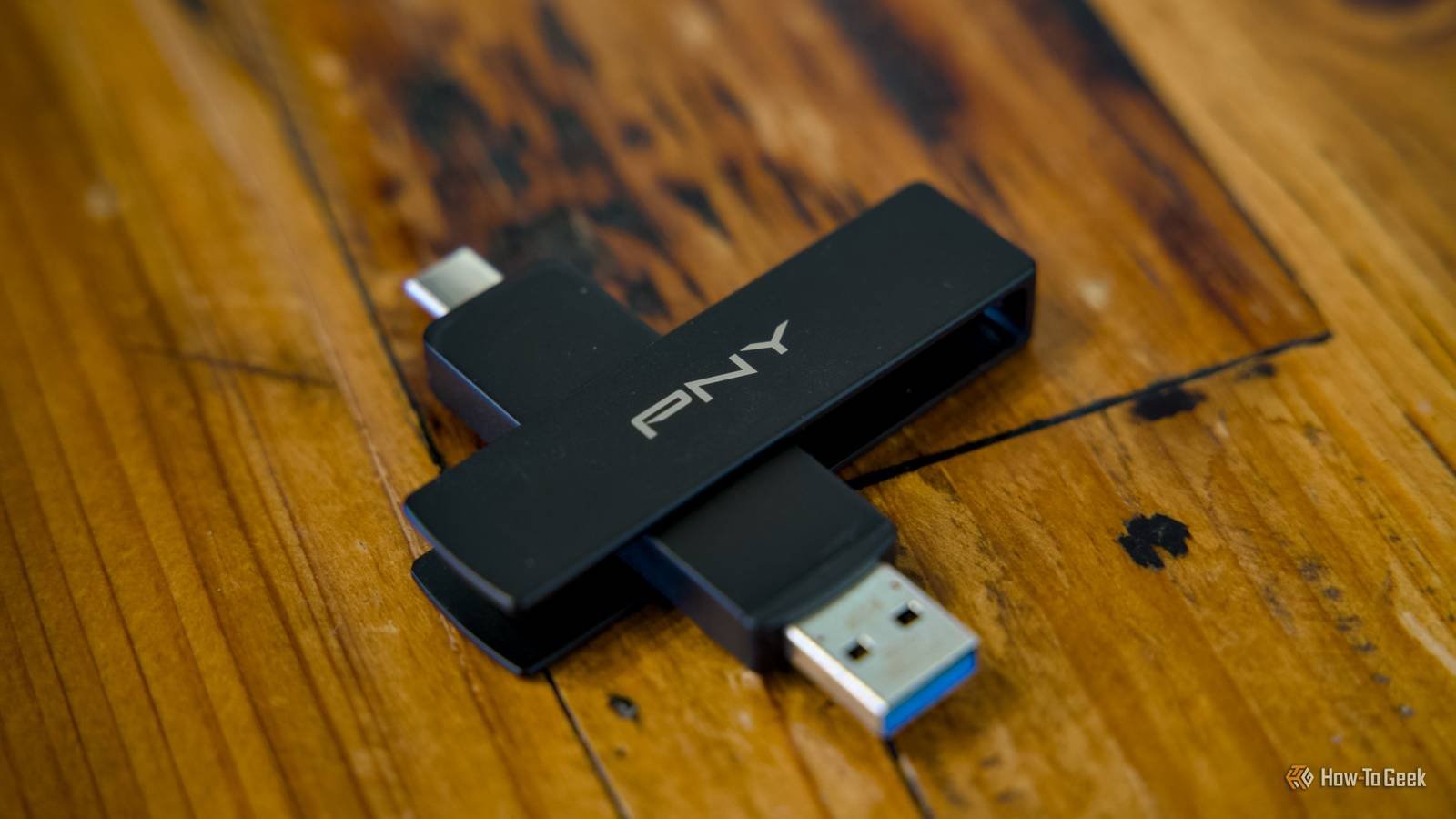
Why USB Sticks Fail as Backups: The Hardware Truth
Imagine losing months of work because your USB stick silently corrupted your files. This isn’t hypothetical—it happens daily to users who trust flash drives for backups. While convenient, USB sticks make terrible backups due to hardware limitations that most people overlook. Let’s explore the science behind their fragility and better alternatives.
The Hidden Problem: Leaking Charge in USB Sticks
Flash memory relies on trapped electrical charges to store data. Over time, these charges naturally leak, especially in older drives. A 2023 study by the IEEE found that NAND flash cells can lose up to 10% of their charge within two years under ideal conditions. Real-world factors like heat and humidity accelerate this decay, making USB sticks unreliable for long-term storage.
Why This Matters for Backups
- Data degradation occurs silently—no warning signs appear until it’s too late
- USB sticks lack refresh mechanisms to recharge memory cells
- Older drives (5+ years) risk complete data loss without user intervention
Zero Error Correction: No Safety Net for Data Loss
Unlike modern SSDs, most USB sticks lack error-correcting code (ECC) hardware. This means:
- Bit errors from charge leakage go unrepaired
- No built-in data redundancy to recover corrupted files
- File systems can’t detect silent corruption without manual checks
Consider this: a 2022 survey by Backblaze found 14% of USB drives failed within three years. Without ECC, these failures often result in irreversible data loss.
Better Backup Solutions for Your Data
For critical backups, prioritize storage with built-in reliability features:
- External SSDs with ECC and wear leveling
- Cloud storage with version history and redundancy
- Network-attached storage (NAS) with RAID configurations
Pro Tip: Use the 3-2-1 Rule
Store backups in 3 copies, on 2 different media types, with 1 offsite. This strategy protects against hardware failure, theft, and natural disasters.
Conclusion: Choose Backup Hardware That Works for You
USB sticks make terrible backups due to their hardware limitations. For peace of mind, invest in storage solutions designed for reliability. Your data deserves better than a drive that silently decays over time.
FAQs
Why do USB sticks make terrible backups for long-term storage?
Flash memory cells in USB sticks lose charge naturally over time. Without error correction or refresh mechanisms, data degrades silently until it becomes unrecoverable.
Can I trust my USB stick for emergency backups?
USB sticks work for short-term transfers but fail as long-term backups. For critical data, use external SSDs or cloud storage with versioning capabilities.
How often should I replace my backup USB drive?
Replace USB sticks every 2-3 years, or sooner if you notice performance issues. Always verify backups by testing file recovery regularly.
What’s the safest backup method for photos?
Use cloud storage with automatic versioning (like Google Photos) combined with an external SSD. This protects against both hardware failure and accidental deletion.
Do USB sticks ever recover corrupted files?
Most USB sticks lack error correction hardware. Once data corruption occurs, recovery requires specialized tools and often results in partial or no data restoration.








