
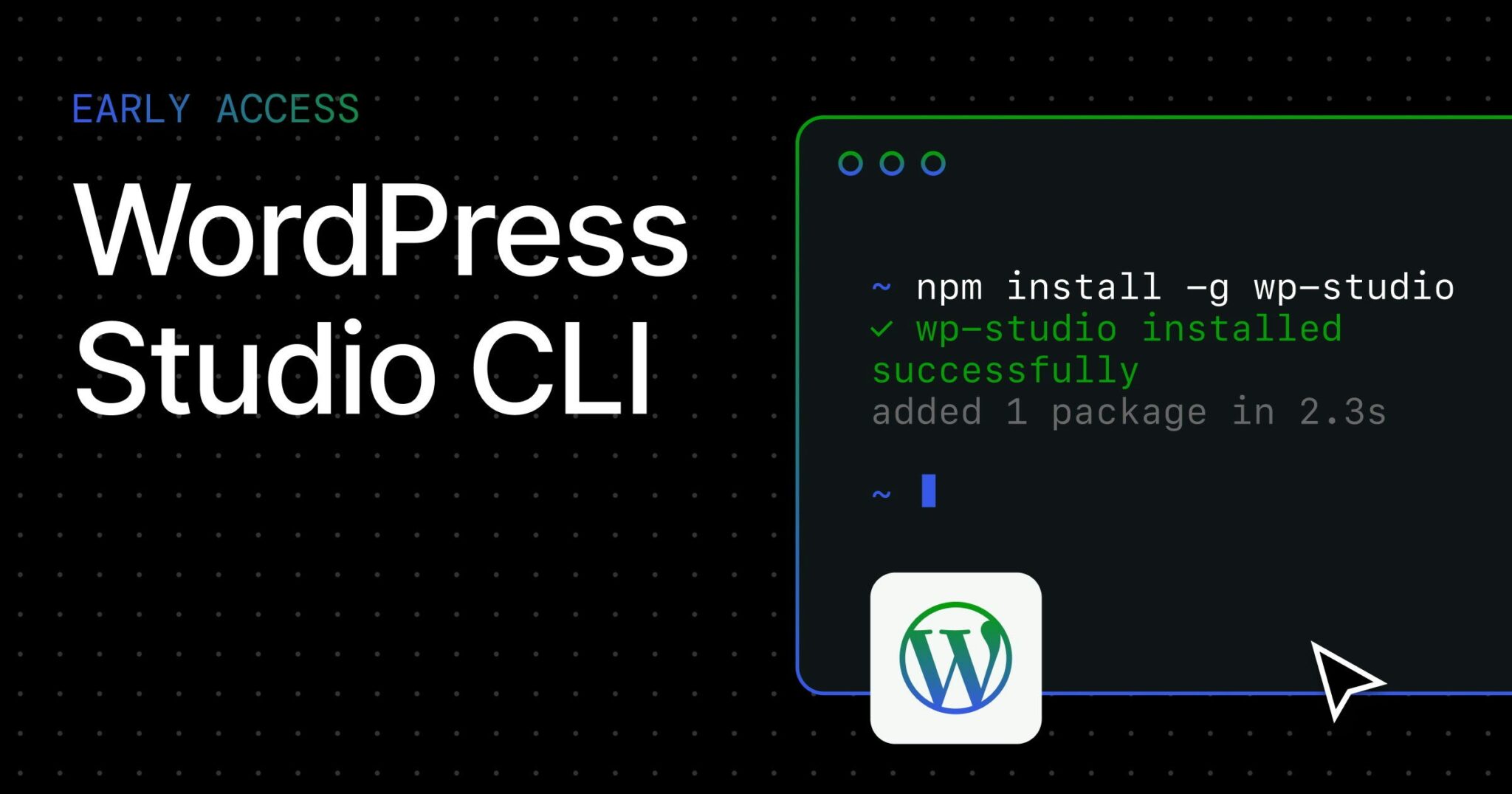
WordPress Studio CLI: Control WordPress from Your Terminal
WordPress developers, meet your new productivity ally. The WordPress Studio CLI lets you manage WordPress projects directly from your terminal—no desktop app required. With a single command, you can install, run, and integrate WordPress locally while leveraging AI coding tools. Let’s break down how this free, cross-platform tool is reshaping workflows for developers.
Why the WordPress Studio CLI Matters
Traditionally, local WordPress development required desktop apps like Local by Flywheel or XAMPP. The Studio CLI changes this by offering terminal-first control. Here’s what makes it stand out:
- One-command installation:
npm install -g wp-studio - Cross-platform support: Works seamlessly on Mac, Windows, and Linux
- AI tool integration: Syncs with AI coding assistants for smarter workflows
- No desktop dependency: Run projects via
npx wp-studio
Key Features in Beta
While the CLI is already functional, upcoming features will expand its utility:
- Sync: Mirror live sites to local environments
- Import/Export: Move content between projects effortlessly
- Scripting workflows: Automate repetitive tasks with custom commands
Getting Started with WordPress Studio CLI
Setting up the CLI takes minutes. Follow these steps to begin:
- Install globally:
npm install -g wp-studio - Run a local WordPress instance:
npx wp-studio - Access your site via the provided localhost URL
For advanced users, the CLI integrates with tools like GitHub and Docker to streamline deployment pipelines.
When to Use the CLI vs. Desktop Apps
Choose the Studio CLI when:
- You prefer terminal-based workflows
- You need scripting capabilities for automation
- You work in headless environments
Desktop apps remain better for visual designers or teams needing GUI-based collaboration tools.
WordPress Studio CLI vs. WordPress MCP
A common question: Does this replace WordPress Managed Cloud Platform (MCP)? The answer is no. The CLI complements MCP by enabling local development workflows. You’ll still need MCP for cloud hosting, but the CLI gives you full control over local environments.
Cost and Accessibility
- Free to install and use
- No subscription fees
- Open-source contributions welcome
Why Developers Are Excited
Early adopters highlight three key benefits:
- Speed: Launch projects 30% faster than traditional methods
- Flexibility: Works with any text editor or IDE
- Future-proof: Built for AI-assisted development workflows
As one user noted: “This makes local WordPress development feel like modern software engineering—scriptable, repeatable, and scalable.”
Try WordPress Studio CLI Today
Whether you’re a solo developer or part of a team, the Studio CLI offers a fresh approach to WordPress development. Start with the simple installation command and discover how terminal-based workflows can boost your productivity.
Have questions? Join the Product Hunt community to discuss use cases and share tips. The future of WordPress development is here—and it’s running in your terminal.








