
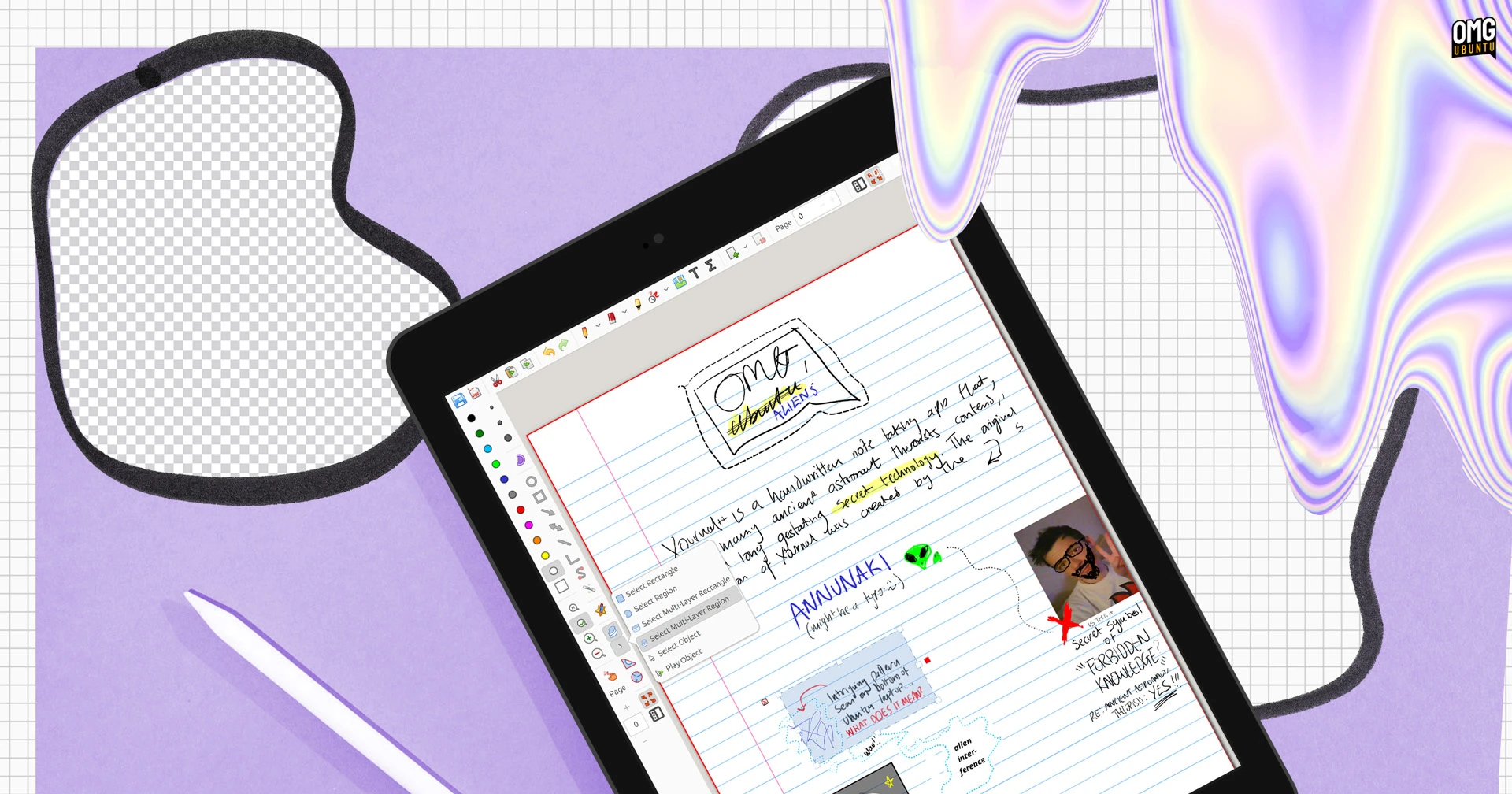
Why Xournal++ Tablet Mode Matters for Linux Users
If you’ve ever struggled with Xournal++’s cluttered interface while taking notes on a Linux tablet, you’re not alone. The app’s default menus and tiny buttons can feel outdated compared to modern mobile note-taking tools. Fortunately, a recent update introduces a streamlined Xournal++ tablet mode designed specifically for touch devices and convertible laptops.
What’s New in Xournal++ Tablet Mode?
Developer Archisman Panigrahi redesigned the interface to prioritize simplicity. Key changes include:
- Hidden non-essential tools like Print and Open
- Consolidated selection tools for faster access
- Toggleable page preview column to save space
- Touch-friendly buttons for stylus-free use
The layout adapts seamlessly to both portrait and landscape orientations, making it ideal for 2-in-1 devices.
How to Enable Xournal++ Tablet Mode
- Download the latest nightly build from GitHub
- Install via DEB package or AppImage
- Launch Xournal++ and go to Edit > Toolbars > Tablet mode
- Switch to fullscreen for optimal performance
For Ubuntu users, add the nightly builds PPA for easier updates. Remember to use xournalpp as the package name during installation.
Real-World Testing on Linux Tablets
During testing on a 2-in-1 device, the tablet mode proved intuitive. The simplified toolbar reduced distractions while keeping essential tools within reach. Rotating the device between portrait and landscape modes didn’t disrupt the workflow, a common pain point in older versions.
Should You Try Xournal++ Tablet Mode?
If you use Linux tablets for note-taking, this update is worth exploring. The mode balances functionality with minimalism, making it easier to focus on content rather than navigation. While not perfect, it represents a significant step forward for Linux’s best note-taking apps.
FAQ
How do I enable Xournal++ tablet mode?
Open Xournal++ and navigate to Edit > Toolbars > Tablet mode. Use the nightly builds from GitHub for the latest version.
Does tablet mode work with touchscreens?
Yes, the interface supports both stylus and touch inputs. Buttons are spaced for easy tapping on touchscreens.
Can I use it on non-tablet devices?
While optimized for tablets, the mode works on any device. Fullscreen mode is recommended for all users.
Is Xournal++ tablet mode stable?
Currently available in development builds. For production use, stick to the stable version until official release.
What Linux distros support this feature?
Ubuntu 22.04, 24.04, and 25.10 are officially supported. Other distros may require manual installation.








