
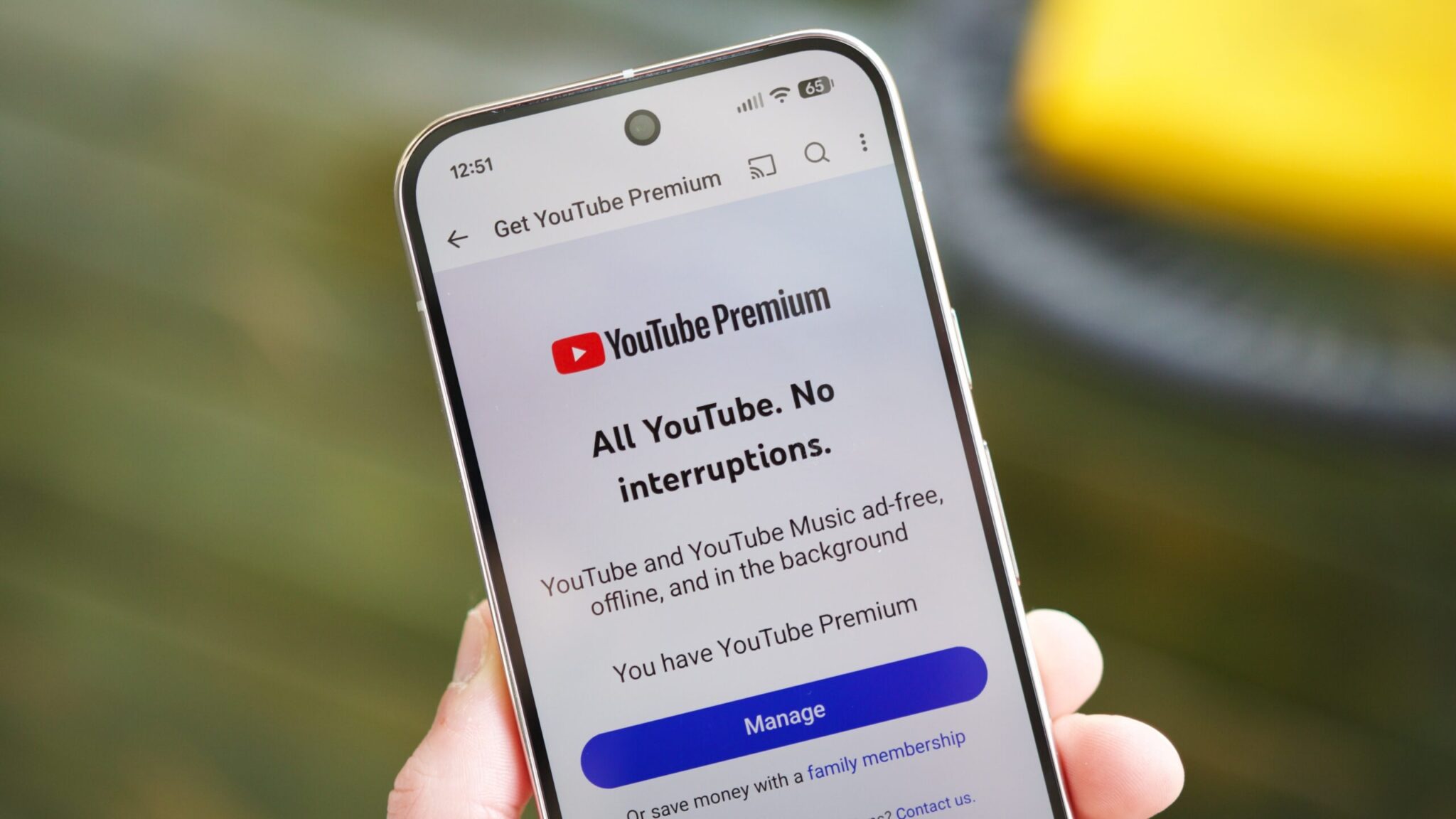
YouTube Chat Bug Fix: English Messages Unblocked After Glitch
Yesterday, YouTube users worldwide encountered a bizarre issue: live chat messages in English were mysteriously blocked. While non-English messages, emojis, and gibberish sent normally, any attempt to post in English resulted in filtered or missing messages. The problem has since been resolved, but the cause remains unclear. Let’s break down what happened, how YouTube fixed it, and what this means for users.
What Happened During the YouTube Chat Bug?
Over 1,600 users reported the issue on YouTube’s Help forum, describing a sudden inability to send English messages in live chats. The glitch affected both standard chat and paid Super Chat messages. Strangely, messages in other languages or those containing only emojis bypassed the filter entirely. This created confusion, as users could see non-English messages but not their own English replies.
Key Details of the Bug
- English messages were filtered out, even if they contained no spam or inappropriate content.
- Non-English messages and emojis sent normally.
- The issue lasted for several hours before YouTube resolved it.
How Did YouTube Fix the Chat Bug?
YouTube’s engineering team addressed the issue without public explanation. TechRadar suggests the problem may have stemmed from an overzealous AI moderation system mistakenly flagging legitimate English messages. While no official statement was made, the fix restored normal chat functionality across the platform.
Speculation About the Cause
Experts theorize the bug could relate to recent updates to YouTube’s automated content moderation tools. These systems often use machine learning to detect spam or policy violations. A misconfigured filter might have erroneously blocked English messages, treating them as spam despite no policy violations.
Why This Matters for YouTube Users
Live chat is a critical feature for creators and viewers alike. The bug disrupted real-time interactions, affecting community engagement and monetization for creators relying on Super Chats. For viewers, it created confusion and frustration, especially during live events or Q&A sessions.
Broader Implications
This incident highlights the risks of over-reliance on automated moderation systems. While AI helps manage vast amounts of content, errors like this can have unintended consequences. YouTube’s response—fixing the issue without public acknowledgment—also raises questions about transparency in platform updates.
Other Recent YouTube Glitches
This isn’t the first time YouTube has faced technical hiccups. Last week, users reported that ad blockers prevented access to comments and video descriptions, even for YouTube Premium subscribers. While that issue appeared intentional, the chat bug seems unrelated, underscoring the platform’s ongoing challenges with balancing user experience and policy enforcement.
What Should You Do?
For now, YouTube’s live chat should function normally. If you encounter similar issues, try the following:
- Clear your browser cache or restart the app.
- Check for updates to the YouTube app or browser extension.
- Report the issue via YouTube’s Help forum.
Conclusion: Stay Informed About YouTube Updates
Glitches like the recent chat bug are a reminder that even the most robust platforms can face unexpected challenges. While YouTube’s engineers work to resolve issues quickly, users should stay informed about updates and report problems promptly. Follow Android Authority for the latest on YouTube fixes, features, and how they impact your experience.
FAQs
What caused the YouTube chat bug fix?
YouTube has not officially confirmed the cause, but experts speculate it may have been an error in AI-powered content moderation systems. These tools sometimes misflag legitimate content, especially during system updates.
Why did only English messages get blocked?
The exact reason remains unclear. Some users suggest the bug targeted specific language patterns, while others believe it was a temporary filter misconfiguration. Non-English messages and emojis were unaffected, suggesting a language-specific issue.
How long did the YouTube chat bug last?
The issue was reported to start around midday on [insert date] and was resolved within hours. Most users noticed the fix by the following morning.
Can I still use Super Chats after the fix?
Yes. Super Chat functionality has been restored to normal. Paid messages should appear in live chats as expected.
Will this bug happen again?
While no system is immune to errors, YouTube’s engineering team is likely working to prevent similar issues. Users are encouraged to report any new glitches promptly.








