
01 — Service
Plugin & UI/UX Engineering
This is the service we provide when your WordPress plugin works in code — but feels confusing in the admin. WP Helper Tools designs the flows, builds the screens, and ships UI your operators actually finish using.
What Plugin & UI/UX Engineering means here
Plugin & UI/UX Engineering is a fixed-scope studio service from WP Helper Tools. We focus on the product surface of your WordPress plugin: how settings are grouped, how Free vs Pro is explained, how onboarding guides a first-time admin, and how daily operators move through reports without getting stuck.
We do not hand you a mood board and walk away. Design and engineering stay in one team — so the UI that looks clear in review
is the same UI that lands in wp-admin with nonces, capability checks, and WPCS-minded code.
Main clients sit in Melbourne and New Mexico; we also take worldwide remote projects. Every engagement ships against a written scope you can forward to finance.
What this service includes
- Plugin flow mapping: We document the jobs your users must finish — install, configure, upgrade, report — before a single screen is drawn.
- WordPress admin UI design: Settings layouts, empty states, Free vs Pro matrices, and guided steps that feel intentional instead of bolted on.
- Operator consoles & reports: Dashboards and list tables staff can run daily without calling a developer for every filter change.
- Design → build in one pass: Approved UX is implemented in your plugin (or a thin companion UI plugin) with secure WordPress defaults.
- Handoff your next hire can read: Notes, patterns, and acceptance criteria so the UI does not rot the week after launch.
Who hires us for Plugin & UI/UX Engineering
- Founders with a working plugin that still needs a clear Free vs Pro story
- Melbourne agencies that want white-label admin UX their clients can maintain
- New Mexico nonprofits and operators who need editors and staff to feel safe in the CMS
- Product teams ready to turn a messy settings page into an operator console
How we run the engagement
- Discover — goals, users, and the tickets you hate answering. Explore Discover.
- Scope — screens, milestones, and acceptance criteria in a proposal. Explore Scope.
- Build — UX + WordPress implementation with staging demos. Explore Build.
- Launch — handoff, hardening notes, optional care. Explore Launch.
Sample work & visuals

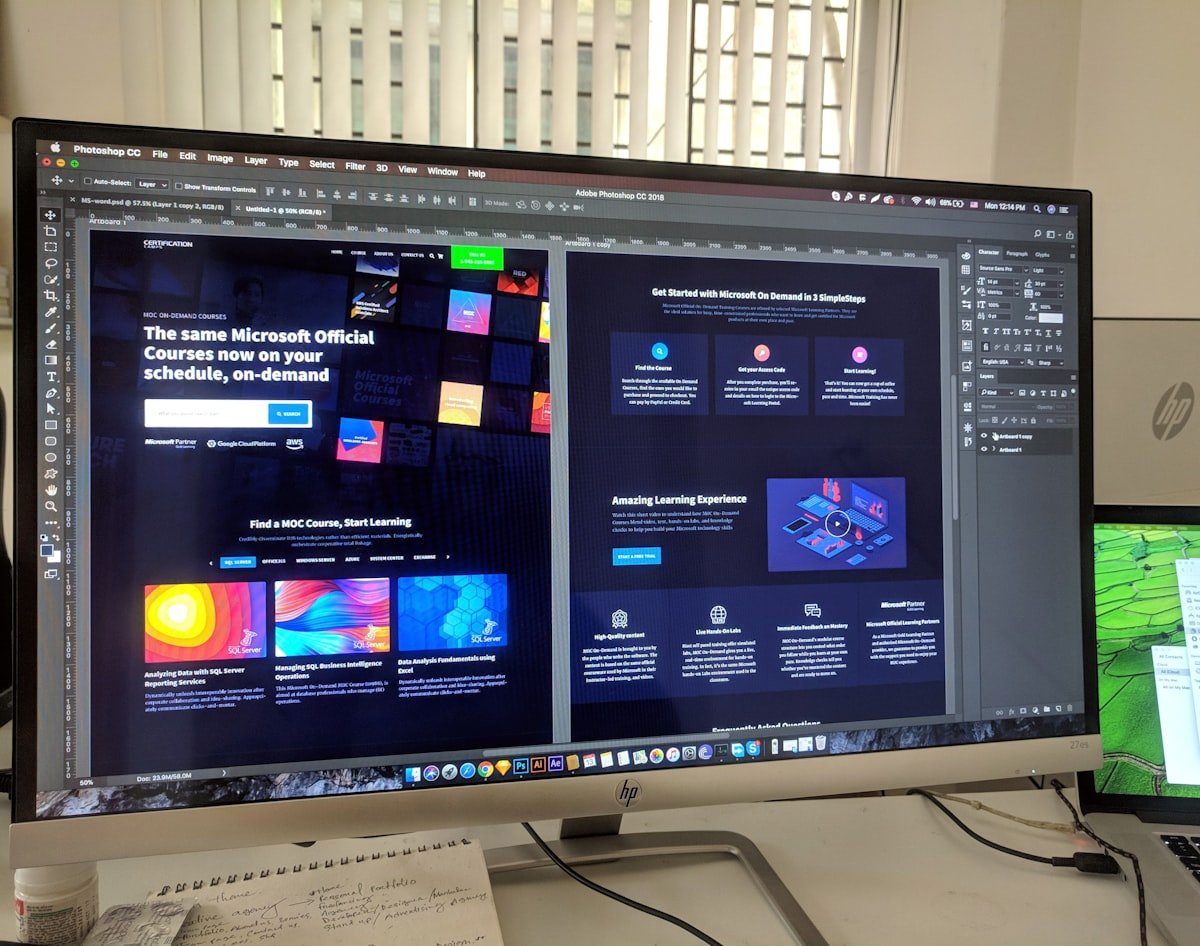

Examples from this service
Agency plugin admin redesign
Rebuilt a cluttered settings screen into a guided Free vs Pro matrix — fewer support tickets, clearer upgrades.
Melbourne SaaS console UX
Mapped operator journeys for billing and customer health, then shipped a lean console with WP Helper Tools engineering.
New Mexico nonprofit operator UX
Accessible admin patterns so volunteers and staff can run reports and program pages without breaking the plugin.
Questions about this service
What exactly is Plugin & UI/UX Engineering?
It is our service for designing and shipping WordPress plugin interfaces — settings, onboarding, Free vs Pro, and operator consoles — with engineering that follows WordPress Coding Standards.
Do you only design, or do you build the UI in WordPress?
Both. Flows and screens are designed, then implemented in wp-admin so you get a working product,
not a deck that never ships.
How is this different from WP Plugin & Theme Engineering?
Plugin & Theme Engineering focuses on the full plugin/theme codebase. This service centres on the UX layer — flows, screens, and operator experience — with build included so the design is real.
Is this a retainer?
No. We scope milestones and write a proposal. Ongoing care is optional after launch.
Free tools in this lane
Related services
Hire us
Request a Plugin & UI/UX proposal
This form is only for Plugin & UI/UX Engineering. Tell us goals, stack, and timeline — we reply with a fixed-scope proposal within one business day.
- Flows, admin screens, and Free vs Pro UX — designed and built
- Fixed-scope proposal you can forward to finance
- Staging demos, not a big reveal at the end